
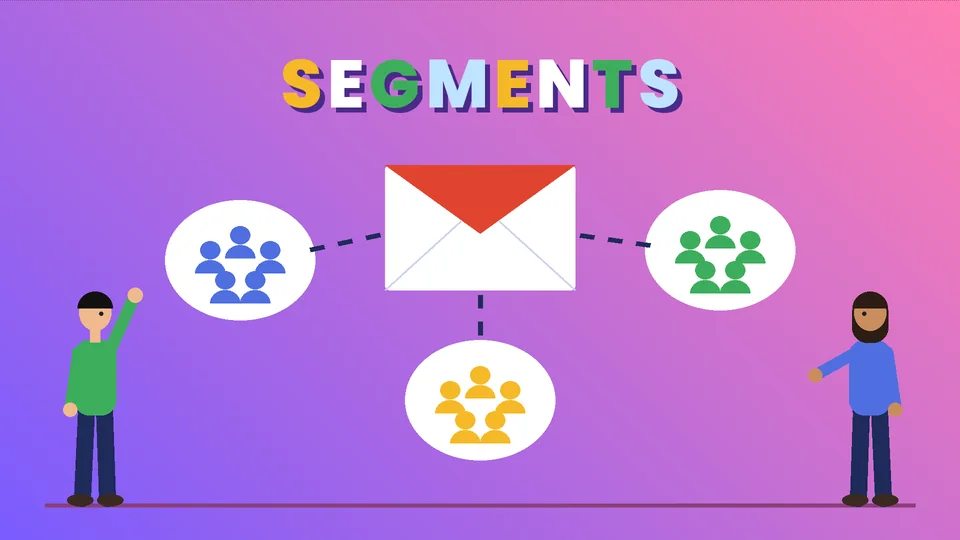
What Shopify email segmentation means
Shopify email segmentation is the practice of splitting your contact list into groups, called customer segments, so each group gets emails that match what they bought, how recently they ordered, and what they agreed to receive. In Shopify, segments are dynamic: once you define the rules, customers join or leave the segment automatically as their behavior changes.
The earlier version of this post talked about personalization in general terms and stopped short of showing how segments actually work in the Shopify admin. This refresh covers the segment editor, the filters worth starting with, how segments connect to Shopify Messaging campaigns and automations, the consent and deliverability rules that apply in the US, and how to measure results. Product details come from the Shopify Help Center, and the rules come from the FTC and Gmail’s sender guidelines, all checked as of October 2026. PROSeCommerce, part of PROS Global in San Diego, sets up Shopify and Shopify Plus stores for US brands, and the approach below is the one we use with clients: a few clear segments first, more only when the data supports them.
How customer segments work in Shopify
Shopify’s customer segmentation documentation describes segments as rule-based lists. Each rule is a filter made of three parts: a filter name, an operator, and a value. For example, number_of_orders >= 3 means “customers who have placed three or more orders.” You can join filters with AND to narrow a segment or OR to widen it, and Shopify recommends brackets when you mix the two so the logic is unambiguous.
Behind the editor, each segment is a ShopifyQL query. The FROM and SHOW parts are fixed, and you customize the WHERE clause. You do not need to write code to use it, though. The editor suggests filters as you type, and Shopify includes default segments and templates you can load, edit, and save under a new name.
Here is what that looks like for a common segment, subscribed customers who have either spent more than $100 or ordered at least five times:
(amount_spent > 100 OR number_of_orders >= 5) AND email_subscription_status = 'SUBSCRIBED'
That one line captures the core idea. You describe the customer, and Shopify keeps the list current.
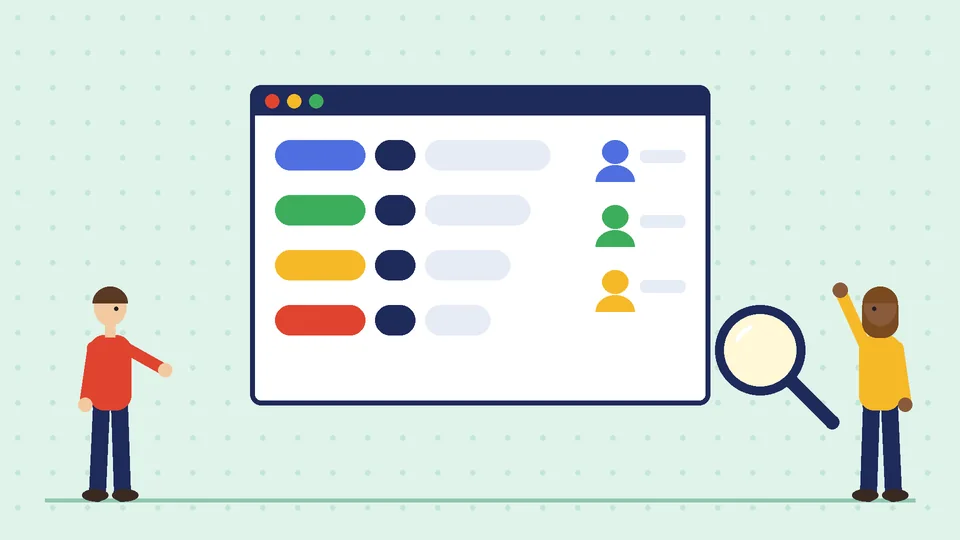
Where to find the segment editor
As of October 2026, you can build segments in two places in the Shopify admin:
- Customers page: type filters directly into the editor above the customer list and save the result as a segment.
- Segments page: click Create segment, then use the editor on the segment details page. This is also where the Templates icon opens Shopify’s ready-made segments.
Shopify’s Sidekick assistant can also draft a segment query from a plain-language prompt, such as asking how many high predicted spend tier customers are subscribed to marketing email. Treat the result as a draft: read the filters before you save it.
The filters worth learning first
Shopify’s segment filter reference lists more than two dozen default filters, including amount spent, number of orders, first and last order date, products purchased, customer tags, location, email subscription status, abandoned checkout date, email events, RFM group, and predicted spend tier. You do not need all of them. Most stores get far with the handful below.
| Filter | What it tells you | Example use |
|---|---|---|
email_subscription_status |
Whether the customer agreed to marketing email | Required base for any marketing segment |
number_of_orders |
How many orders the customer has placed | Separate first-time buyers from repeat buyers |
amount_spent |
Total spend in your store currency | Identify high-value customers |
last_order_date |
When the customer last ordered | Find lapsed customers for a win-back |
products_purchased |
Which products the customer bought | Send care tips, refills, or accessories |
customer_tags |
Tags you or your apps added | Wholesale, VIP, event attendees |
predicted_spend_tier |
High, medium, or low future spend potential | Prioritize offers and budget |
rfm_group |
Recency, frequency, and monetary grouping | Spot loyal, at-risk, and new customers |
Two notes from Shopify’s documentation are worth knowing. Predicted spend tier is only available once a store has made more than 100 sales, and it only scores customers who have purchased. And BETWEEN ranges include both the start and end values, so number_of_orders BETWEEN 1 AND 3 includes customers with exactly one and exactly three orders.
Seven starter segments for a Shopify store
These segments cover the main stages of a customer relationship. Build them once, check the counts, and reuse them for campaigns and automations.
- Subscribed, never purchased. People who joined your list but have not ordered. They need a reason to buy: best sellers, reviews, shipping and returns details.
- First-time buyers. Subscribed customers with exactly one order. The goal is the second order, which is often the hardest one to earn.
- Repeat buyers. Subscribed customers with three or more orders. They respond to early access, new arrivals, and loyalty perks more than discounts.
- High-value customers. Use amount spent, predicted spend tier, or both. Keep the threshold tied to your own order history, not a number borrowed from another store.
- Lapsed customers. Subscribed customers whose last order is older than your normal repurchase cycle. A coffee brand might use 60 days; a furniture store might use a year or more.
- Product-based groups. Customers who bought a specific product or collection, so you can send relevant how-to content, refills, or compatible accessories.
- Recent abandoned checkouts. Shopify’s abandoned checkout date filter lets you see who started checkout recently. For the reminder emails themselves, use the dedicated automation described below.
Start with three or four of these. A small number of segments you actually use beats a long list nobody maintains.
Using segments with Shopify Messaging
Shopify Email is now called Shopify Messaging. As of October 2026, it lets you send email, SMS, and WhatsApp marketing campaigns from the Shopify admin, and it is available on the Basic, Grow, Advanced, and Plus plans. When you create a campaign, you can choose a customer segment as the audience, so the segments you built above become your send lists.
Pricing is based on volume. According to Shopify’s Messaging email pricing page, every store on those plans gets 10,000 free emails each calendar month. After that, additional emails cost $1 USD per 1,000 up to 300,000 emails, with lower rates at higher volumes. Each recipient counts as one email, unused emails do not roll over, and abandoned checkout automation emails do not count toward the monthly allowance. SMS is charged per message. Shopify also lets you set a monthly spending threshold that sends a notification when costs reach an amount you choose, though it does not stop billing.
Segmenting can lower your sending costs as a side effect, because you send fewer emails to people who are unlikely to care.
Automations that pair well with segments
Shopify Messaging includes prebuilt marketing automations that send email or SMS when customers take an action. As of October 2026, the templates include:
- Welcome new subscribers: sends when someone joins your list.
- Convert abandoned product browse: sends when a customer views a product but leaves without adding it to the cart.
- Recover abandoned cart: sends when products are added to the cart but checkout is not started.
- Recover abandoned checkout: sends when checkout is started but not completed.
- Post-purchase and customer appreciation emails: follow up after an order.
- Win back customers: sends after a set time has passed since a customer’s last order.
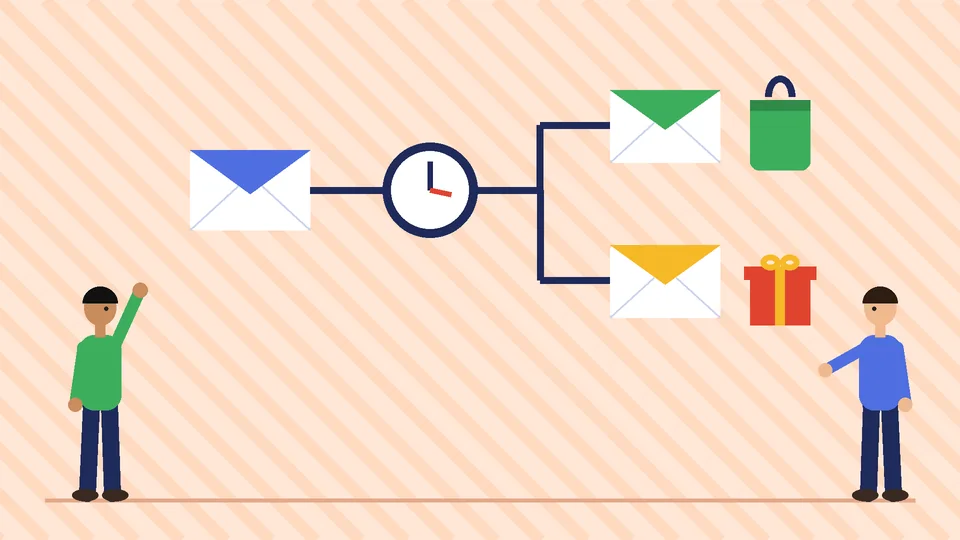
A few requirements and behaviors are easy to miss. Marketing automations need the Basic plan or higher, Shopify Flow installed for full functionality, and a staff account with both Marketing and Flow app permissions. Automations send only to customers subscribed to email marketing by default. Shopify also warns that overlapping automations add up: two active welcome automations mean every new subscriber gets two welcome emails. Abandonment automations can be created from the mobile app, but other types and edits need a desktop.
The practical pattern is to let automations handle behavior-triggered messages and use segments for planned campaigns. Then exclude recent automation recipients from campaigns where it makes sense, so a customer who just received a win-back email does not get a promotional blast the same afternoon.
Consent and US email rules
Segmentation starts with permission. The email_subscription_status filter exists for a reason: a marketing segment should include only customers who agreed to receive marketing email. Shopify tracks that status on each customer record.
In the US, the FTC’s CAN-SPAM Act compliance guide sets the baseline for commercial email, and it applies to business-to-business email too. As of October 2026, the core requirements include:
- Accurate header information and subject lines that reflect the content.
- A clear disclosure that the message is an advertisement.
- A valid physical postal address.
- A clear way to opt out, honored within 10 business days, without fees or extra hoops.
- Responsibility stays with you even if an agency or app sends on your behalf.
Order confirmations and shipping updates are transactional messages and are exempt from most CAN-SPAM provisions, but the FTC reads that category narrowly. If the subject line or opening content is promotional, treat the email as commercial. This section is a practical summary, not legal advice; confirm specifics with counsel if your program is complex.
Deliverability: what Gmail expects
Good segments do not help if your emails land in spam. Gmail’s email sender guidelines set requirements for everyone who sends to Gmail accounts, with stricter rules for senders who send 5,000 or more messages a day. As of October 2026, those bulk-sender rules include SPF, DKIM, and DMARC authentication, one-click unsubscribe for marketing messages plus a visible unsubscribe link, honoring unsubscribes within 48 hours, and keeping the spam rate reported in Postmaster Tools below 0.3%, with Google recommending below 0.1%.
Segmentation helps directly here. Sending fewer, more relevant emails to people who opted in tends to keep complaint rates low. Sending everything to everyone does the opposite. Shopify’s Help Center also has a section on optimizing campaign delivery and deliverability that is worth reading before you scale up.
How to measure whether segmentation works
Compare segments against each other rather than against industry averages, because your list, products, and price points are your own. A simple scorecard for each campaign or automation includes:
- Orders and sales attributed to the email. Shopify’s marketing reports on the Growth page show campaign performance.
- Click rate. More reliable than opens, since privacy features in some email apps inflate open counts.
- Unsubscribes and spam complaints. Rising numbers usually mean the message does not fit the segment.
- Repeat purchase rate for the segment over time. The real goal for first-time and lapsed segments.
Change one thing at a time. If you adjust the segment rules, the offer, and the subject line in the same send, you will not know which change mattered. Our Shopify conversion rate optimization guide covers the same testing discipline for your storefront.
Common segmentation mistakes
- Forgetting the subscription filter. Every marketing segment should include
email_subscription_status = 'SUBSCRIBED'. - Too many segments. Twelve segments with fifty people each are hard to write for and hard to measure.
- Thresholds copied from someone else. “High value” and “lapsed” depend on your prices and repurchase cycle.
- Overlapping automations. Check how welcome, abandonment, and win-back flows interact before you turn them on.
- Discount-only messaging. Repeat buyers often respond to new products, restocks, and useful content without a code.
- Ignoring the store itself. If product pages are slow or unclear, better emails just send people to a weak page. See how to build a high-converting product page on Shopify.
Frequently asked questions about Shopify email segmentation
What is a customer segment in Shopify?
Does Shopify Messaging cost extra for segmented emails?
Can I segment customers by the products they bought?
What is predicted spend tier in Shopify?
Do I need consent before emailing a segment?
How many segments should a small Shopify store start with?
Next steps
Build your first three segments this week, check the customer counts, and connect one of them to a campaign and one to an automation. Then review results after a full repurchase cycle. For more channel ideas, see our ecommerce marketing strategies and Shopify email marketing guides, and pair segments with relevant offers from how to upsell on Shopify.
If you want a second pair of eyes on your segments, automations, and sender setup, PROSeCommerce can review your Shopify store and help you build an email program that stays relevant as your list grows.