
What is Drupal Commerce, and is it the right ecommerce platform for you?
Drupal Commerce is a free, open source ecommerce framework that runs on top of the Drupal content management system. It lets a development team build a store that combines content, products, carts, checkout and orders in one codebase. It is a strong fit when your store needs custom product data, several sites, languages or currencies, or deep connections to other systems. It is a weaker fit if you want to launch a simple store quickly with little technical help, because you host it, build it and maintain it yourself or with an agency.
This guide explains what Drupal Commerce includes, where it shines, what it costs you in time and upkeep, and how to compare it with hosted platforms such as Shopify. At PROSeCommerce, part of PROS Global Inc in San Diego, we help merchants choose between platforms, so the comparison is written for decision makers and not only for developers. Platform details were checked on the official Drupal Commerce site in November 2026.
What Drupal Commerce is, in plain language
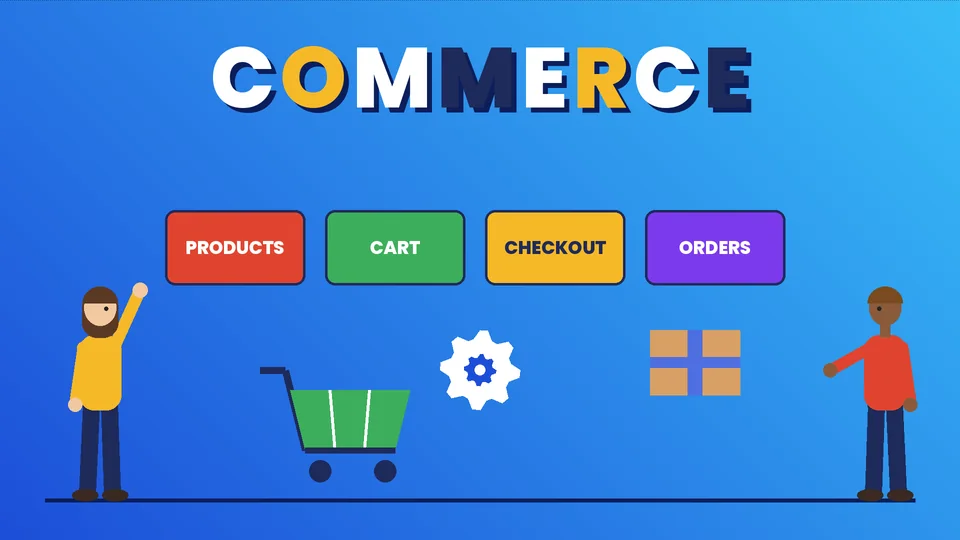
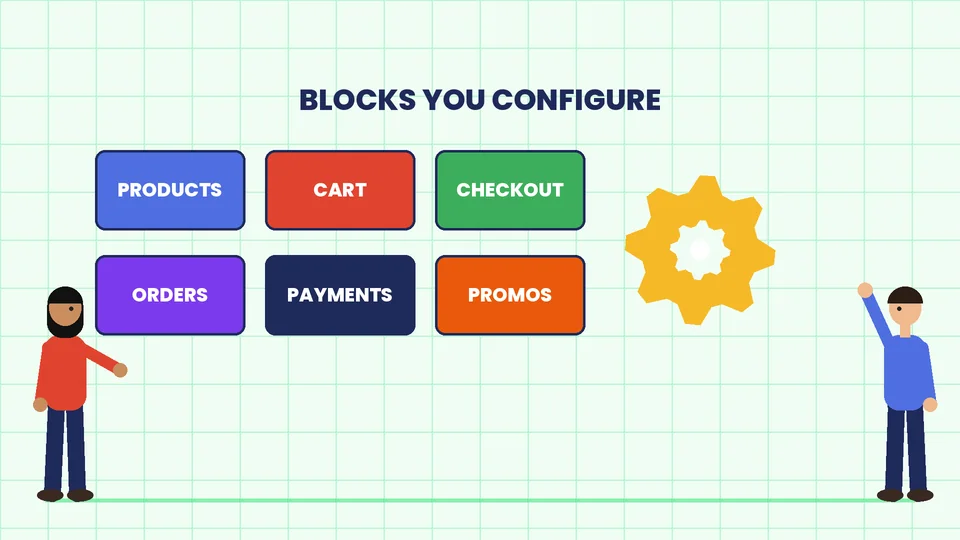
Drupal is a content management system used to build websites. Drupal Commerce is a set of modules, called Commerce Core, that adds the pieces an online store needs: products and variations, a cart, checkout flows, orders, payments, promotions and taxes. According to the official Drupal Commerce site, Commerce Core is the foundation, and you add configuration and custom code on top, then build and deploy as you go. The same site says the project has been maintained by Centarro since its creation in 2010 and that the latest Commerce Core release listed when we checked was 3.3.14, as of November 2026.
Because it is open source, there is no license fee for the software. You still pay for hosting, development, security updates, payment provider fees and the people who run the store. Think of it as a toolkit and not a finished store. A hosted platform gives you a store on day one. Drupal Commerce gives you a starting point that you shape to your business.
What you get out of the box
The official feature pages highlight four areas, and they match what we see merchants ask for most:
- Rich product pages. Commerce Core combines a product data model with the Drupal media library, layout building and content management. That means a product page can carry long-form content, guides, galleries and related articles without a separate blog tool.
- Search and browsing. Drupal’s Search API handles keyword search, category browsing and filters. You can also build listing pages from an outside search service such as Solr or Elasticsearch.
- Merchandising tools. You can configure custom fields and layouts, plus promotions and coupons, so merchandisers can upsell and cross-sell without a developer for every change.
- Integrations and automation. Drupal’s APIs, contributed modules and events system let you connect ERPs, middleware and other business systems. The site says there are more than 100 integrations in its free module library.
The same page says the platform can run multiple sites, languages, currencies, checkout flows and customer types. That flexibility is the main reason teams pick it over simpler tools.
Where Drupal Commerce fits best
Drupal Commerce tends to work best in a few situations:
- Content-heavy stores. If your brand sells through articles, guides, documentation and product pages in equal measure, having one system for both is a real advantage.
- Complex catalogs. Products with many attributes, configurable bundles, customer-specific pricing or unusual rules are easier to model when you control the data structure.
- Multi-store or multi-language businesses. One installation can serve several storefronts, currencies and languages.
- Deep system integration. When orders must flow into an ERP, a warehouse system or a custom portal, having full access to the code and APIs helps.
- Teams that want ownership. Open source means you are not tied to a single vendor’s roadmap or pricing changes, and you can move hosts.
If none of these describes you, a hosted platform is often cheaper and faster. We cover that choice in our guide to how to choose the best CMS for ecommerce.
What it asks of you
The freedom comes with responsibilities that merchants sometimes underestimate.
You need developers. The official getting-started path uses Composer, a developer tool, with a Commerce Kickstart template. That is straightforward for a Drupal team and a barrier for a solo store owner. If you are weighing agencies, read what to know before hiring a Drupal development agency.
You host and secure it. Someone must choose hosting, apply Drupal core, module and PHP updates, back up the site and watch for vulnerabilities. If you take card payments on your own pages, your security duties grow. Our ecommerce security checklist lists what to cover, and our guide to ecommerce hosting explains the hosted and self-hosted trade-offs.
You own the upgrades. Major Drupal versions reach end of life, and moving to a new one is a project. Plan a budget for upgrades and ask your agency how they handle them. Our overview of Drupal migration services shows what such a project involves.
You assemble the extras. Payment gateways, tax services, shipping tools and marketing integrations come from modules or custom work. Check that each one is maintained and compatible with your version before you commit.
Drupal Commerce vs Shopify: a practical comparison
Both can run a successful store. They solve different problems.
| Question | Drupal Commerce | Shopify |
|---|---|---|
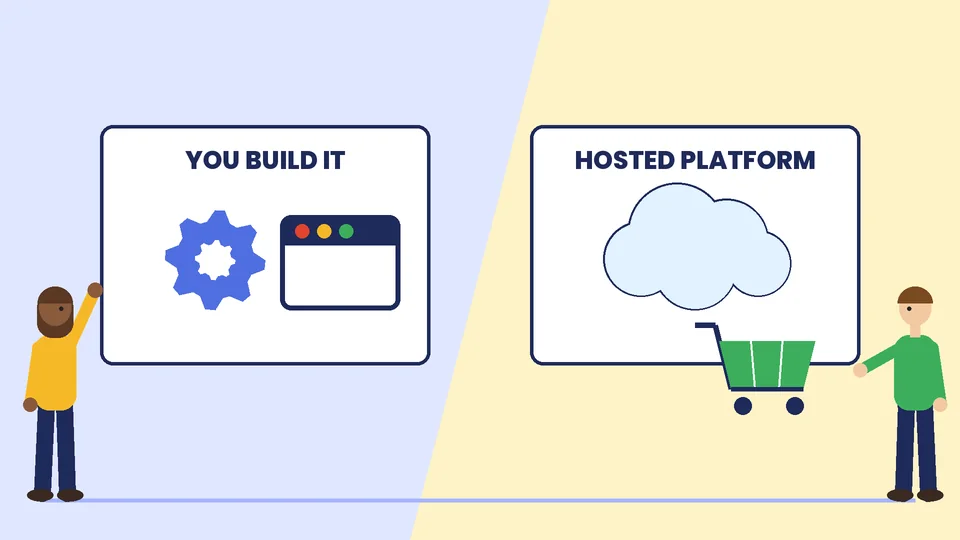
| Who hosts and secures the platform? | You or your agency | Shopify, for the platform itself |
| Launch speed | Slower, project-based | Faster, template-based |
| Content and product data flexibility | Very high | Good, within platform limits |
| Software cost | No license fee, but development and hosting costs | Monthly plan plus apps and fees |
| Ongoing technical work | Updates, security and upgrades are on you | Mostly handled for you, plus theme and app upkeep |
| Best for | Complex, content-rich or multi-site stores | Most small and mid-size merchants |
The honest summary is that Shopify reduces the amount of technical work you must own, while Drupal Commerce increases your control. For a side-by-side look at other options, see our comparisons of Shopify vs WordPress and WooCommerce vs Shopify.
A realistic planning checklist
Before you choose Drupal Commerce, work through these questions with your team:
- What must the store do that a hosted platform cannot? Write the requirements down.
- Who will build it, and who will maintain it after launch?
- What is the budget for hosting, development, security updates and a yearly upgrade allowance?
- Which payment, tax and shipping providers do you need, and do maintained modules exist for them?
- How will you migrate products, customers, orders and URLs from your current site?
- How will you measure success in the first 90 days, such as conversion rate, page speed and order accuracy?
If you cannot answer the first two, pause and get a scoping workshop with an agency before writing any code.
How to start a Drupal Commerce project
A sensible sequence looks like this:
- Try a demo. The official site offers a self-guided tour and a demo store. Click through the cart and checkout as a customer, then as an administrator.
- Define the catalog. List product types, attributes, variations and pricing rules before choosing modules.
- Pick hosting early. Choose a host that supports the PHP and database versions the current release needs, and set up separate development, staging and live environments.
- Build the core flows first. Get products, cart, checkout, payment and order emails working before adding extras.
- Test with real orders. Place test purchases with every payment method, shipping option and discount type you plan to offer.
- Plan the launch. Map old URLs to new ones, set up redirects, and keep a rollback plan.
For payments, review our checklist of secure payment gateway features before you pick a provider. Once the store is live, speed and search visibility matter too, and our ecommerce SEO tips apply to any platform.
Common mistakes to avoid
- Choosing the platform before the requirements. Teams pick a tool they like, then discover it does not fit.
- Skipping the maintenance budget. An unpatched store is a security risk. Budget for updates from day one.
- Over-customizing. Every custom module is code you must maintain. Use well-supported modules where you can.
- Ignoring page speed. Heavy themes, large images and uncached pages slow a Drupal site down like any other.
- Launching without redirects. A migration that breaks old URLs loses search traffic.
Questions to ask before you hire a Drupal Commerce developer
A platform choice is only as good as the team that builds on it. Before you sign anything, ask each candidate:
- Which Drupal and Commerce versions will you build on, and how will you handle updates? Core and contributed modules release security fixes regularly, so you need a named owner for upgrades.
- Who has built stores like mine? Ask to see live examples with similar catalogs, payment methods and integrations, and speak to a past client if you can.
- How will you handle payments and tax? Ask which payment gateway module they plan to use, how card data stays off your servers and how tax rules will be configured for the places you sell.
- What does hosting look like? Agree on the server setup, backups, staging copies and who responds when something breaks at night.
- How will content editors and store managers work day to day? Ask for a demo of the admin screens your team will actually use.
- What is in the handover? Documentation, code access and a training session are reasonable to expect.
Our guide on what to know before hiring a Drupal development agency goes deeper on contracts, timelines and warning signs.
Frequently asked questions
What is Drupal Commerce?
Is Drupal Commerce free?
Is Drupal Commerce better than Shopify?
Do I need a developer to use Drupal Commerce?
Can Drupal Commerce run multiple stores, languages and currencies?
How do I keep a Drupal Commerce store secure?
Choose the platform that matches your team
Drupal Commerce is a powerful option when your store needs flexibility that hosted tools cannot give, and you have the people to build and maintain it. If you are unsure whether it suits your catalog and budget, contact PROSeCommerce and we will help you compare it with the alternatives before you commit.