
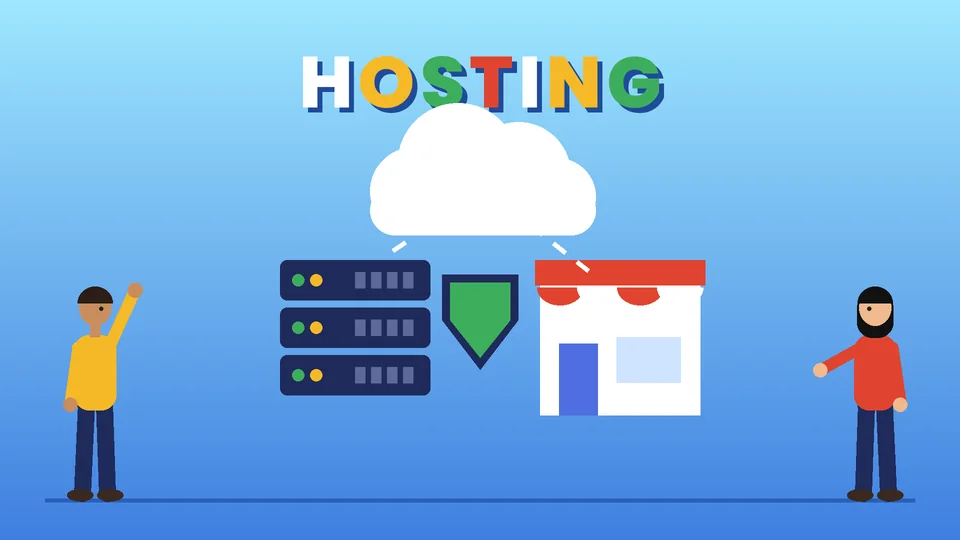
What ecommerce hosting means
Ecommerce hosting is the infrastructure that keeps an online store running: the servers, storage, network, security controls, and backups that deliver your pages and process orders. You either rent it as part of a hosted platform such as Shopify, where the provider runs everything, or you choose and manage it yourself for self-hosted software such as WooCommerce or Magento Open Source.
The earlier version of this post, written in 2021, mixed up ecommerce websites and web hosts and gave little practical guidance. This refresh explains the two hosting models, what each one makes you responsible for, the technical requirements to check, how hosting affects speed and security, and a checklist for comparing providers. Requirements come from WordPress.org, WooCommerce, Shopify, Google Search Central, and the PCI Security Standards Council, all checked as of October 2026. PROSeCommerce, part of PROS Global in San Diego, builds and migrates stores on Shopify and other platforms for US brands, and we see the same pattern often: hosting problems usually show up first as slow pages, failed updates, or a stressful checkout during peak traffic.
Hosted vs self-hosted ecommerce platforms
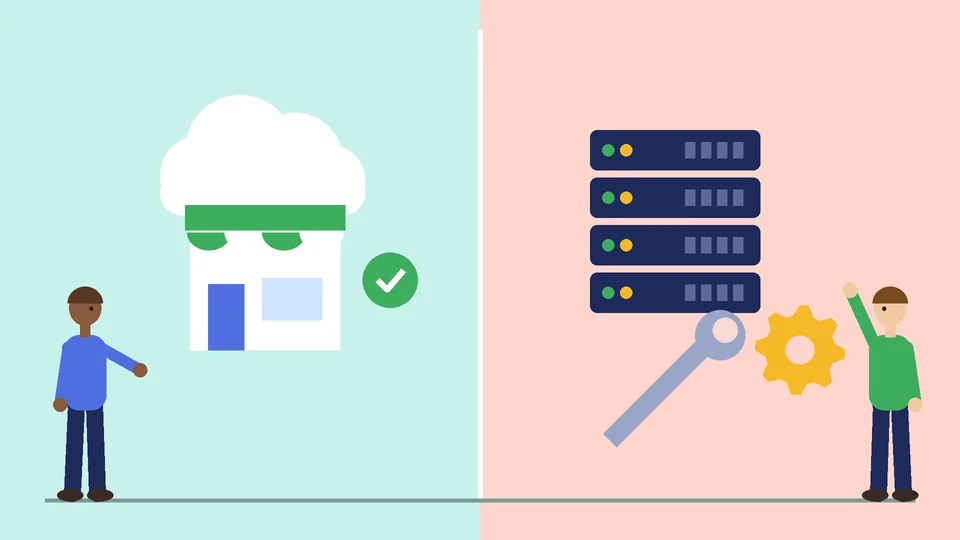
The biggest hosting decision is not which company to rent a server from. It is whether you want to manage hosting at all.
| Hosted platform (SaaS) | Self-hosted platform | |
|---|---|---|
| Examples | Shopify, Shopify Plus | WooCommerce on WordPress, Magento Open Source, Adobe Commerce on your own infrastructure |
| Who runs the servers | The platform | You or your hosting provider |
| Software updates | Applied by the platform | You schedule, test, and apply them |
| Security patches | Platform’s responsibility for the core | Your responsibility, with your host |
| PCI DSS scope for the checkout | Largely handled by the platform | Depends on your payment setup and hosting |
| Scaling for traffic spikes | Built into the platform | Depends on your server plan and configuration |
| Code and data control | Within the platform’s rules and APIs | Full control of code and database |
| Typical costs | Monthly plan, apps, payment fees | Hosting, extensions, development, maintenance |
Neither model is automatically better. Hosted platforms trade some control for less operational work. Self-hosted platforms give you more control and more responsibility. Our guide to choosing the best CMS for ecommerce compares the platforms themselves, and WooCommerce vs Shopify goes deeper on those two.
How hosting works on Shopify
On Shopify, hosting is part of the subscription. You do not pick a server, install software, or apply security patches to the platform. Shopify states that it is certified Level 1 PCI DSS compliant and that this compliance extends by default to all stores on the platform, covering the shopping cart and hosting. As of October 2026, that is one of the clearest differences from running your own servers.
That does not remove every responsibility. You still manage staff accounts and permissions, the apps you install, custom code in your theme, your domain settings, and any payment or data systems outside Shopify. And you still need to keep your theme and apps lean, because a hosted platform cannot make an overloaded theme fast. Our Shopify plans guide covers which features come with each plan.
What self-hosting requires
If you run WooCommerce or another self-hosted platform, your hosting has to meet the software’s requirements, and someone has to keep it current.
As of October 2026, WordPress.org recommends hosting that supports:
- PHP 8.3 or greater
- MariaDB 10.11 or greater, or MySQL 8.0 or greater
- HTTPS support
WooCommerce’s server recommendations for WooCommerce 10.8 and later add:
- WordPress 6.9 or greater
- PHP 8.3 or greater, tested up to PHP 8.4
- MySQL 8.0 or greater, or MariaDB 10.6 or greater
- A WordPress memory limit of 256 MB or greater
Both projects note that older PHP and MySQL versions still run the software but have reached end of life and may expose your site to security vulnerabilities. Adobe publishes separate system requirements for each Magento Open Source and Adobe Commerce release, so check the version you plan to run in Adobe’s documentation.
Beyond those minimums, a store usually needs more than a basic blog host offers: enough PHP workers or processes to handle checkout traffic, object caching, daily off-site backups you have tested, staging environments for updates, and support that understands ecommerce.
Types of hosting for self-hosted stores
- Shared hosting. Many sites share one server. Cheapest, but performance can suffer when neighbors get busy. Usually only suitable for very small stores.
- Managed WordPress or WooCommerce hosting. The host handles server updates, caching, backups, and often staging. A common middle ground for growing WooCommerce stores.
- VPS or cloud servers. You get dedicated resources and more control, and you or your developer manage more of the setup.
- Dedicated servers or custom cloud architecture. For large or complex stores, often with separate database, cache, and search services. Requires experienced operations support.
The right choice depends on traffic, catalog size, integrations, and who on your team can manage servers.
How hosting affects speed
Google’s Core Web Vitals measure loading, responsiveness, and visual stability. As of October 2026, Google Search Central describes good scores as Largest Contentful Paint within 2.5 seconds, Interaction to Next Paint under 200 milliseconds, and Cumulative Layout Shift under 0.1.

Hosting affects these mainly through server response time, caching, and how well the server copes with traffic. Slow database queries and overloaded servers delay the first byte, which pushes everything else back. A content delivery network helps by serving images and static files from locations closer to shoppers.
Hosting is only part of speed, though. Large images, heavy themes, and too many apps or plugins slow stores on any platform. If you are on Shopify, see how to speed up your Shopify store for the platform-specific fixes.
Security and PCI DSS responsibilities
Any business that accepts card payments has PCI DSS obligations. As of October 2026, PCI DSS v4.0.1 is the current version of the standard, and the requirements that were future-dated in version 4.0 became mandatory on March 31, 2025. Several of those address ecommerce payment pages, including controls over scripts that run on them.
How much of that work falls on you depends on your setup:
- Hosted platform checkout. The platform carries much of the burden for its own infrastructure. You still complete the validation your payment provider asks for and protect your accounts.
- Self-hosted store with a redirect or embedded payment form from a payment provider. Your scope is smaller, but your site and scripts still matter.
- Self-hosted store that handles card data directly. Your scope is much larger, and hosting, logging, patching, and access controls all come into it.
Ask your payment provider which self-assessment applies to you, and keep records. Our ecommerce security guide covers threats, PCI DSS basics, and a practical checklist.
Hosting costs to budget for
The hosting line on an invoice is rarely the full cost. When you compare options, list every item for a full year:
- Platform or hosting fees. A monthly plan on a hosted platform, or a server or managed hosting plan for a self-hosted store.
- Apps, extensions, and plugins. Many carry their own monthly fees on either model.
- Payment processing. Card fees apply on every platform, and some platforms add transaction fees when you use a third-party gateway.
- Development and maintenance time. Updates, testing, security fixes, and troubleshooting. On a self-hosted store this is often the largest cost.
- Security and backup services. Firewalls, malware scanning, and off-site backups, if your plan does not include them.
- Peak-season capacity. Temporary upgrades or higher plans for sale events.
Ask for written pricing for each item rather than relying on starting prices, and compare the totals rather than the headline fee.
Questions to ask a hosting provider
Use these when comparing hosts for a self-hosted store.
- Which PHP, database, and web server versions do you support, and how quickly do you offer new ones?
- How many PHP workers or processes does the plan include, and what happens during traffic spikes?
- Are daily backups included, stored off-site, and easy to restore? Have you tested a restore?
- Is there a staging environment for testing updates?
- Which caching layers are included, and do they exclude cart, checkout, and account pages correctly?
- Is a CDN included, and is HTTPS automatic with certificate renewal?
- What security monitoring, firewall, and malware scanning are included?
- What uptime commitment is in the contract, and what is the remedy if it is missed?
- Do support staff have ecommerce experience, and what are the response times?
- How easy is it to leave, including exporting files and databases?
For a hosted platform, ask a different set: what is included on each plan, which apps you will need, how custom code is supported, and how data can be exported if you ever switch.
When to move platforms instead of hosts
Changing hosts fixes problems caused by underpowered or poorly managed servers. It does not fix problems caused by the platform itself, such as constant update conflicts, a stack of plugins that break each other, or a team that does not want to manage servers. If hosting keeps taking more time than selling, it may be time to consider a hosted platform. Our WooCommerce to Shopify migration checklist shows what that move involves, and Shopify website maintenance explains what ongoing care looks like afterward.
Frequently asked questions about ecommerce hosting
Do I need separate hosting for a Shopify store?
What hosting does WooCommerce need?
Is shared hosting good enough for an online store?
Does my hosting provider make my store PCI compliant?
How does hosting affect SEO?
What should be in an ecommerce hosting backup plan?
Next steps
Write down your traffic peaks, catalog size, integrations, and who on your team can manage servers. If the answer to the last one is “nobody,” a hosted platform is often the safer choice. If you need full control, choose hosting that meets current requirements and budget for ongoing maintenance.
If you are weighing a hosting change or a platform move, PROSeCommerce can review your current setup and recommend the option that fits your store, budget, and team.