
What does it mean to optimize for the SERP?
A SERP is a search engine results page: the page Google, Bing or another search engine shows after someone types a query. Optimizing for the SERP means improving how your pages appear on that page, not just where they rank. That includes your title link, the snippet text, images, rich results such as product prices and reviews, featured snippets and links in AI Overviews.
Ranking is still the foundation, but two pages in similar positions can get very different clicks depending on how their results look. This guide explains the main SERP features on Google, what you can and cannot control, and a step-by-step process for improving how your store appears. At PROSeCommerce, part of PROS Global in San Diego, we use this process alongside on-page SEO for online stores.
What appears on a Google results page
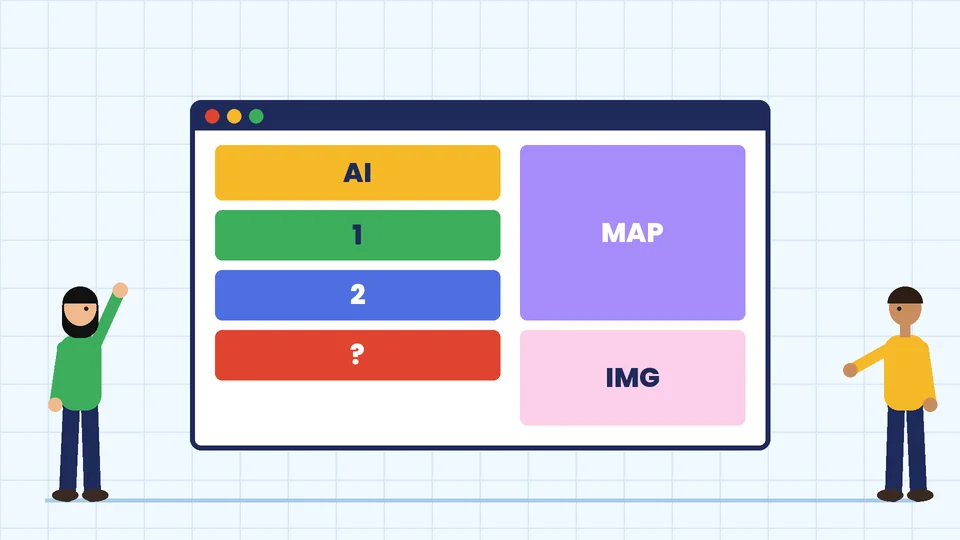
Google’s Visual Elements gallery documents the parts of a search result and the special features that can appear. For most businesses, the important ones are:
| SERP element | What it shows | What influences it |
|---|---|---|
| Title link | The clickable headline of a result | Your title element, headings and page content |
| Snippet | Short description under the title | Page content, and sometimes your meta description |
| Sitelinks | Extra links to sections of your site | Site structure and internal links (automated) |
| Featured snippet | A highlighted answer above or among results | Clear, direct answers on the page (chosen by Google) |
| Rich results | Prices, ratings, availability, breadcrumbs and more | Structured data plus eligible content |
| Images and video results | Visual results and thumbnails | Image files, alt text and page context |
| AI Overviews and AI Mode | AI-generated summaries with supporting links | Indexed pages eligible for a snippet |
| Local results | Map pack and business details | Google Business Profile and local relevance |
Which features appear depends on the query. A search like “how to clean suede shoes” often shows a featured snippet and videos, while “running shoes for women” tends to show shopping results, product listings and ads.
Step 1: Find out what the SERP looks like for your keywords
Before changing anything, search your main keywords and note what Google shows. For each important query, record:
- Which features appear (featured snippet, People also ask, videos, shopping results, AI Overview, local pack).
- What type of page ranks: product pages, category pages, guides or comparison articles.
- How competing titles and snippets are worded.
This tells you what kind of page Google thinks matches the intent. If every top result is a buying guide, a single product page will struggle to rank for that term, however well you optimize it.
Then open the Performance report in Google Search Console. It shows clicks, impressions, click-through rate (CTR) and average position for each query and page. Pages with many impressions but a low CTR are the best SERP optimization targets, because people already see them and are choosing other results.
Step 2: Write title elements that earn the click
Google’s title link guidance recommends that every page has a title element that is descriptive and concise, avoids vague descriptions and avoids repeated or boilerplate text across pages. Google may rewrite titles that do not describe the page well, so accuracy matters more than cleverness.
Practical rules for store pages:
- Put the main topic or product type near the start.
- Add one clear differentiator: a use case, material, size range or benefit.
- Keep it short enough to read at a glance; very long titles get cut off.
- Use a unique title for every page, including filtered category pages you want indexed.
- Add your brand at the end only if there is room.
For example, “Leather Hiking Boots for Women | Waterproof, Wide Sizes” is more useful than “Products | Store Name.”
Step 3: Improve your snippets and meta descriptions
According to Google’s snippet documentation, snippets are created mainly from page content, though Google sometimes uses the meta description when it describes the page better than other parts of the content. So write meta descriptions, but also make sure the page itself opens with a clear summary.
- Write a unique meta description for each important page that summarizes what the page offers.
- Include specifics such as price ranges, shipping options, materials or what a guide covers.
- Start important pages with a clear, plain-language opening paragraph, because Google may pull text from it.
- If you need to keep certain text out of snippets, Google supports the data-nosnippet attribute and the nosnippet and max-snippet rules.
Step 4: Target featured snippets and People also ask
Google states in its featured snippets documentation that you cannot mark a page as a featured snippet; Google’s systems decide whether a page makes a good one for a query. There is no special markup. What you can do is make answers easy to find and extract:
- Use question-style headings that match how people search, such as “How long does shipping take?”
- Answer directly in the first one or two sentences under the heading, then add detail.
- Use lists for steps and tables for comparisons, with clear headings.
- Cover related questions on the same page in a short FAQ section.
- Keep answers accurate and current, especially prices, policies and specifications.
This structure also helps readers who skim, which is reason enough to use it even if you never win the snippet.
Step 5: Add structured data for rich results
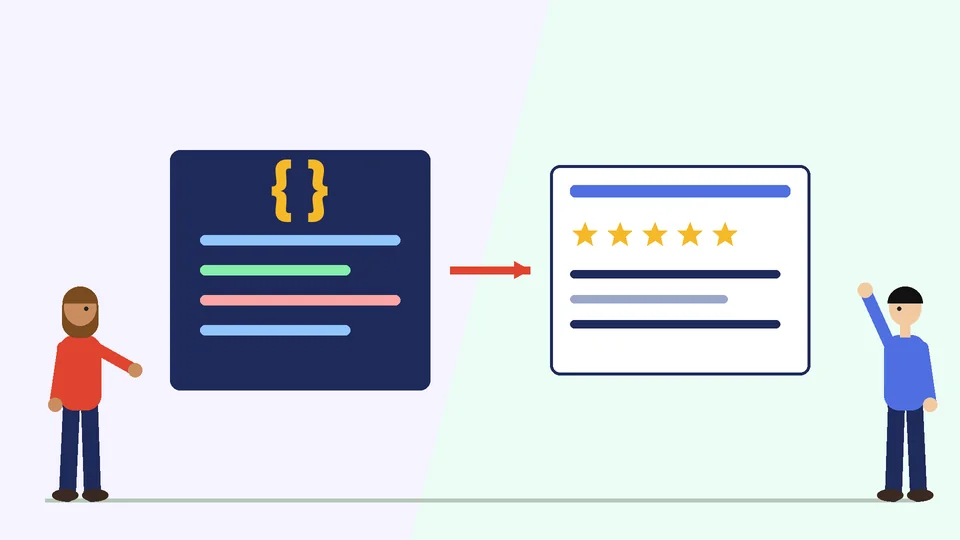
Structured data is code that labels the content on a page, such as a product’s price, availability and review rating. Google’s introduction to structured data recommends JSON-LD where your setup allows it, and suggests checking markup with the Rich Results Test.
For ecommerce, the most useful types are:
- Product markup, which can show price, availability, review ratings and shipping details in results, as described in Google’s product structured data guide.
- Breadcrumb markup, which shows the page’s position in your site hierarchy.
- Organization markup, which helps Google understand your business details and logo.
- Article markup for blog posts and guides.
Two cautions. First, Google’s structured data policies say Google does not guarantee that your structured data will show up in search results, even if it is valid. Second, features change. In August 2023, Google announced that FAQ rich results would only be shown for well-known, authoritative government and health websites. FAQ markup still describes your content, but most stores should not expect expandable FAQ results.
Most store platforms and SEO plugins add basic product and breadcrumb markup automatically. Check what yours outputs before adding more, so you do not create duplicate or conflicting markup.
Step 6: Optimize images and video for visual results
Image and video results take up a lot of space on many shopping and how-to searches. Google’s image SEO guidance says alt text is the most important attribute for giving Google more information about an image, and recommends short, descriptive filenames.
- Use original product photos and illustrations rather than manufacturer images that appear on many sites.
- Write alt text that describes the image specifically, such as “brown leather hiking boot, side view.”
- Use descriptive filenames instead of camera defaults.
- Place images near related text, and compress them so pages load quickly.
- For key how-to topics, a short video on the page can help you appear in video results.
Step 7: Earn sitelinks with a clear site structure
Google’s sitelinks documentation says sitelinks are automated and shown only when Google thinks they will be useful. You cannot add them directly, but you can make them more likely:
- Use a logical navigation with clear category names.
- Link between related pages with concise, relevant anchor text.
- Give each important page a unique, descriptive title.
Our Shopify SEO checklist covers site structure and internal linking in more detail.
Step 8: Make your pages eligible for AI Overviews
Google says in its AI features guidance that there are no additional requirements to appear in AI Overviews or AI Mode. To be shown as a supporting link, a page must be indexed and eligible to appear in Google Search with a snippet, and the same foundational SEO practices apply. In practice, that means:
- Make sure important pages are indexable and not blocked by robots rules or noindex tags.
- Write clear, helpful content that answers specific questions.
- Keep facts current and consistent across your site.
Google’s guidance on creating helpful content suggests asking “Who, How, and Why” about your content: who created it, how it was produced and why it exists.
Step 9: Cover local results if you sell locally
If you have a showroom, store or service area, the local pack and map results can matter as much as organic listings. Set up and verify a Google Business Profile, keep your hours, address and phone number accurate and consistent with your website, and respond to reviews.
Step 10: Measure, adjust and repeat
SERP optimization is ongoing. After you update titles, snippets or markup:
- Note the date and the changes you made.
- Wait a few weeks for Google to recrawl and for data to build up.
- Compare clicks, impressions, CTR and average position in Search Console for the same pages and queries.
- Keep changes that improved CTR and test new versions on pages that did not.
For a broader view of SEO, see our guides to what SEO is all about and our SEO tips for ecommerce websites.
Frequently asked questions
What does SERP stand for?
Can I choose which page appears as a featured snippet?
Does structured data improve rankings?
Why does Google change my page title in search results?
Do FAQ sections still show as rich results?
How do I know if my SERP optimization is working?
Make your search results work harder
Optimizing for the SERP means looking beyond rank to everything shoppers see: titles, snippets, rich results, images, sitelinks, local listings and AI Overviews. Study the results for your key queries, fix pages with high impressions and low CTR first, structure answers clearly and measure the results in Search Console. If you would like help improving how your store appears in search, contact PROSeCommerce.