
Google Ads explained
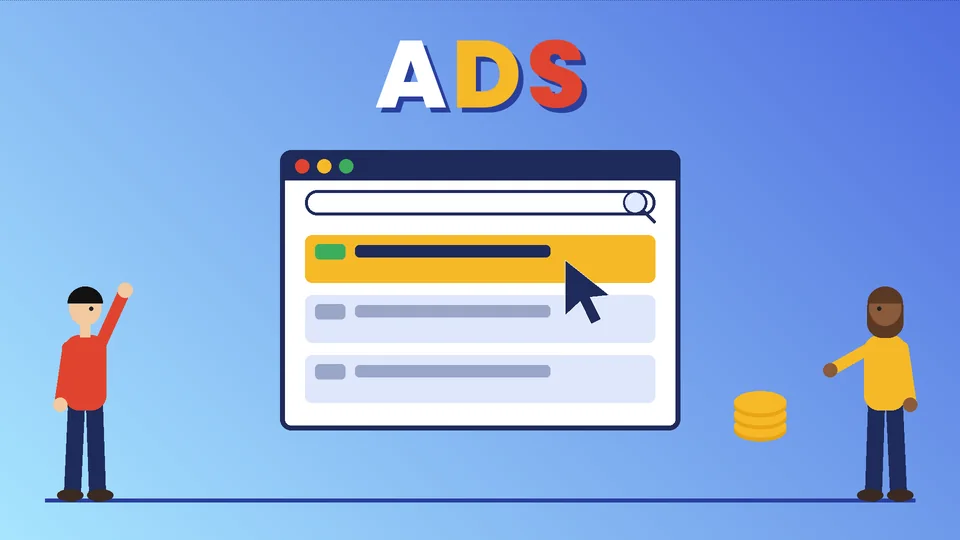
Google Ads is Google’s advertising platform. Businesses use it to show ads on Google Search results, on YouTube, in Google Shopping, across websites and apps in Google’s network, and in other Google properties. You set a budget and bids, Google runs an auction each time an ad could show, and for most search campaigns you pay when someone clicks.
The platform used to be called AdWords. Google renamed it in June 2018; its announcement explained that “Google AdWords is becoming Google Ads” to reflect ads across Search, YouTube, Maps, Play and partner sites. The earlier version of this post also mixed up Google Ads with Google AdSense, so this refresh starts from the basics and explains how the auction, costs, campaign types and keywords really work, using Google Ads Help documentation checked in October 2026. PROSeCommerce, part of PROS Global in San Diego, builds and markets Shopify stores, so the examples lean toward online retail.
Google Ads vs Google AdSense
The two names are easy to confuse, but they sit on opposite sides of the same market.
- Google Ads is for advertisers. You pay to show your ads to people searching, watching or browsing.
- Google AdSense is for publishers. According to Google’s AdSense Help, AdSense lets website owners earn money by showing ads on their content. Those ads are created and paid for by advertisers, and AdSense delivers ads served by Google Ads.
If you sell products and want more customers, you need Google Ads. If you run a content site and want to earn from ad space, you would look at AdSense.
How the Google Ads auction works
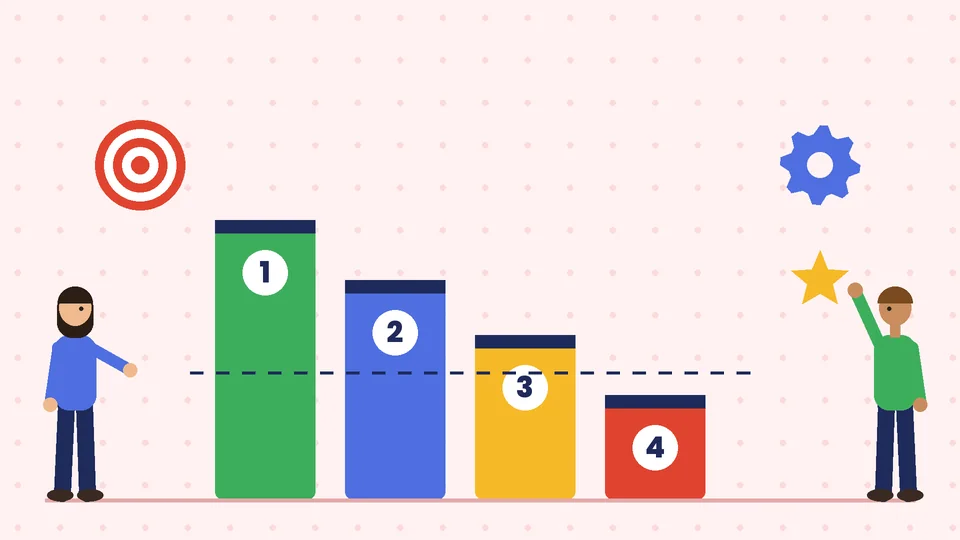
Every time someone searches on Google, an auction decides which ads appear, in what order, and whether any appear at all. Google’s auction definition lays out the steps:
- The system finds all ads whose keywords match the search.
- It removes ads that are not eligible, such as ads targeting a different country or ads disapproved for a policy violation.
- Of the remaining ads, only those with a high enough Ad Rank may show.
Because the auction runs again for every search, results change from one search to the next. It is normal for your ad’s position, and whether it shows, to fluctuate.
What Ad Rank is
Ad Rank decides whether your ad is eligible and where it appears relative to other ads. Google says it is calculated from many factors, including:
- Your bid.
- The quality of your ads and landing page.
- The Ad Rank thresholds, the minimum needed to show.
- The competitiveness of the auction.
- The context of the search, such as location, device, time and the search terms.
- The expected impact of assets and other ad formats.
Google is explicit about the practical result: even if a competitor bids more than you, you can still win a higher position at a lower price with highly relevant keywords and ads. Bidding more is not the only lever, and often not the best one.
Quality Score: a diagnostic, not a ranking input
Google Ads shows a Quality Score from 1 to 10 for each keyword in Search campaigns. It is based on three components, each rated above average, average or below average compared with other advertisers whose ads showed for the exact same search over the last 90 days:
- Expected clickthrough rate: how likely your ad is to be clicked.
- Ad relevance: how closely your ad matches the intent behind the search.
- Landing page experience: how relevant and useful your landing page is to people who click.
Google stresses that Quality Score is a diagnostic tool and not an input in the auction. Use it to find weak ads, keywords and landing pages, not as a goal in itself.
What Google Ads costs
There is no fixed price per click. Costs depend on your industry, competition, targeting and ad quality. A few rules from Google’s documentation help you understand the bill.
You usually pay less than your maximum bid. Google’s definition of actual cost-per-click explains that you pay only what is needed to clear the Ad Rank thresholds and beat the Ad Rank of the advertiser immediately below you. Your max CPC bid is typically the most you will be charged for a click, although automated bidding and bid adjustments can change that.
Positions above the results cost more. Google notes that Ad Rank thresholds, and therefore actual costs, are typically higher for ads above the search results than below them.
Daily budgets are averages. According to Google’s page on average daily budgets, a campaign might spend up to twice its average daily budget on a given day to take advantage of traffic changes, but over a month you will not be charged more than 30.4 times your average daily budget.
Set budgets based on what a customer is worth to you. If an average order brings in a certain profit, you can work out how much you can afford to pay for each sale and how many clicks that buys.
Google Ads campaign types
Google’s guide to choosing a campaign type lists the main options. For online stores, these matter most.
Search campaigns
Text ads on Google search results, triggered by keywords. Google describes them as a way to reach people while they are searching for the products and services you offer. They suit high-intent searches, such as a product name plus “buy” or a brand name.
Shopping campaigns
Product listings with an image, title and price that appear on search results and the Google Shopping tab. Google says you need a Merchant Center account with your product inventory first. The same product data in Merchant Center can also power Google’s free product listings.
Performance Max
A goal-based campaign type that gives access to all Google Ads inventory from one campaign, with Google’s AI managing bids and placements toward your conversion goals. Google says you steer it by providing high-quality creative assets and clear conversion goals, and retailers can connect a Merchant Center product feed.
Display, Video and App campaigns
Display campaigns show image ads across websites and apps, and can reach people who have visited your site. Video campaigns run on YouTube. App campaigns promote mobile apps. Most small stores start with Search or Shopping and add these later.

Keywords and match types
Keywords decide which searches can trigger your Search ads. Google’s guide to keyword matching options describes three match types:
- Broad match (the default): ads may show on searches related to your keyword, even without the exact words. Google says it is critical to use Smart Bidding with broad match.
- Phrase match, written in quotes such as “tennis shoes”: ads may show on searches that include the meaning of your keyword.
- Exact match, written inside square brackets: ads may show on searches with the same meaning or intent. It gives you the most control and reaches the fewest searches.
Negative keywords stop your ads from showing on searches you do not want, for example “free”, “jobs” or product types you do not sell. Reviewing the search terms report and adding negatives is one of the most valuable routine tasks in any account.
How to set up your first campaign
- Set up conversion tracking first. Without it, you cannot tell which ads lead to sales, and automated bidding has nothing to optimize toward.
- Choose one goal and one campaign type. For most stores that means Search for your best-selling products or Shopping with a clean product feed.
- Group keywords tightly. Keep each ad group to one product or theme so ads and landing pages can match closely.
- Write ads that match the search. Use the product name, a clear benefit and the next step.
- Send clicks to the most relevant page. A product or collection page usually beats the homepage. Fast, clear pages help both shoppers and landing page experience; our guide to speeding up your Shopify store covers the main fixes.
- Start with a budget you can sustain for several weeks, so the campaign gathers enough data.
- Review weekly. Check search terms, add negative keywords, pause poor ads and move budget toward what converts.
Google Ads or other channels?
Google Ads captures demand that already exists: people searching for what you sell. Social platforms are often better at creating demand among people who do not yet know they need your product. Many stores use both; our beginner’s guide to Facebook ads for ecommerce explains the social side. Paid ads also work best alongside organic search, so keep up with the basics in our Shopify SEO checklist.
Common Google Ads mistakes
- No conversion tracking, so spend cannot be tied to sales.
- Broad keywords with manual bids, which can match many irrelevant searches.
- No negative keywords.
- Sending every click to the homepage.
- Judging results after a few days instead of a few weeks.
- Ignoring the search terms report.
- Chasing Quality Score instead of improving the ads and pages it points to.
Frequently asked questions
How does Google Ads work in simple terms?
Is Google AdWords the same as Google Ads?
How much does Google Ads cost per click?
Can a higher bid guarantee the top position?
What is a good Quality Score in Google Ads?
Which Google Ads campaign type is best for an online store?
The bottom line
Google Ads is an auction that rewards relevance as much as budget. Track conversions, match keywords, ads and landing pages closely, and review search terms every week. If you would like a second pair of eyes on your account or landing pages, contact PROSeCommerce and tell us about your store.