
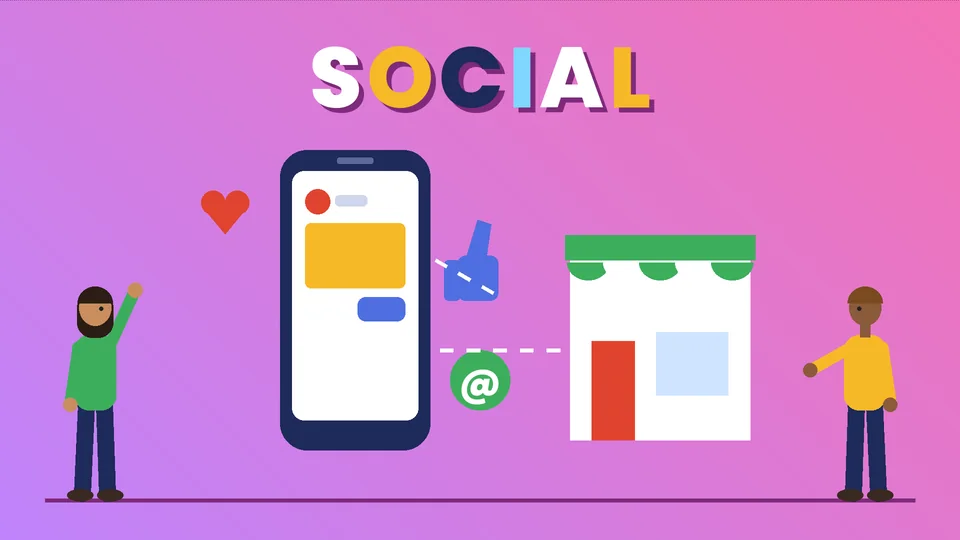
What Shopify social media integration means
Shopify social media integration means connecting your store to the social platforms where your customers spend time, so products, orders and marketing data move between them without manual copying. Done well, it lets people discover a product in a feed, check it out quickly and come back later, while you manage everything from one Shopify admin.
There are three levels of integration, and most stores use all three:
- Selling channels. Shopify sales channels such as Facebook and Instagram by Meta and TikTok Shop sync your catalog to the platform so shoppers can browse your products there.
- Marketing and measurement. The same channels connect ad accounts and tracking, so you can run ads from your product catalog and see which campaigns bring in sales.
- Links and content on your store. Social icons in your theme, shareable product pages and content that people want to post about bring traffic back and forth.
This refresh of our earlier post replaces app recommendations that have aged badly with how the official channels work today. It draws on the Shopify Help Center and the Federal Trade Commission (FTC), with facts checked as of October 2026 and sources listed at the end. PROSeCommerce, part of PROS Global in San Diego, sets up and manages Shopify stores for US merchants, so the advice here comes from day-to-day store work.
The social sales channels Shopify supports
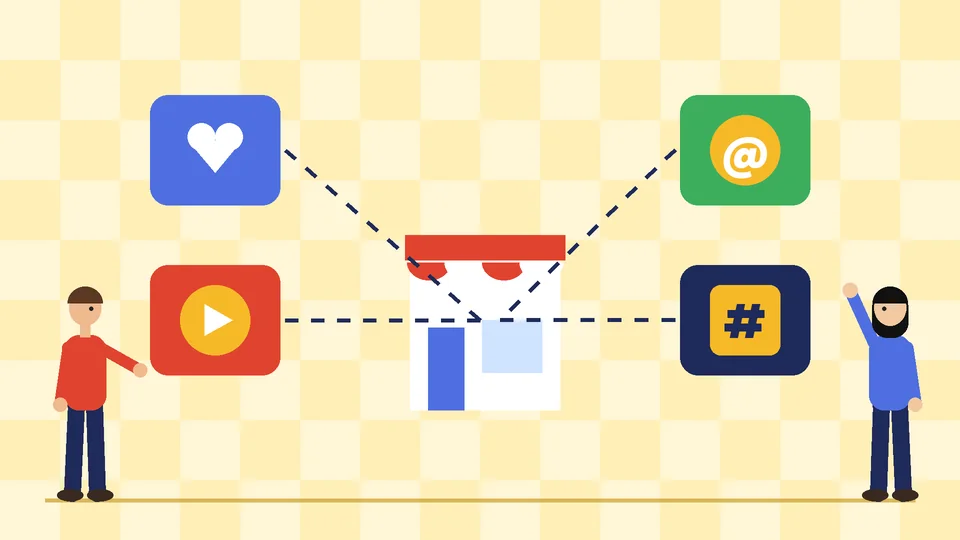
Shopify groups these integrations under social commerce sales channels. As of October 2026, the Help Center lists Facebook and Instagram by Meta, TikTok Shop and Roblox. Other platforms connect through apps from the Shopify App Store, and those apps are supported by their own developers rather than by Shopify.
Facebook and Instagram by Meta
The Facebook and Instagram by Meta sales channel syncs your products to a catalog on Meta, which powers Facebook Shop, Instagram Shopping and Meta ads. Shopify says the channel is free to use with all Shopify plans, subject to store eligibility.
One change matters for planning. According to Shopify, as of August 26, 2025, Meta is no longer a marketplace tax facilitator, and customers are redirected to your online store to complete their purchase rather than checking out inside Facebook or Instagram. In practice, that means:
- Shoppers can browse your Facebook or Instagram shop, add items to a cart in the app and then select checkout on your website.
- You are responsible for collecting and remitting sales tax on these orders, so your Shopify tax settings need to be right for every channel.
- Your product pages and checkout have to work well on mobile, because almost every social visit ends there.
TikTok Shop
The TikTok Shop sales channel syncs your products to TikTok so customers can buy directly on TikTok while you fulfill orders from the Shopify admin. Shopify describes three ways to sell:
- LIVE shopping, where viewers buy products while you are live.
- Shoppable in-feed videos, where a product is attached to a regular post.
- Product showcase, a list of products on your TikTok profile.
TikTok Shop suits brands that can produce regular short videos, demonstrations or live sessions. If you do not have the capacity to post consistently, start with one platform and do it well.
Roblox and app-based channels
Roblox is a newer social commerce option for branded merchandise inside an immersive game experience. It fits a narrow set of brands with a young, gaming audience. For platforms that are not listed as Shopify social commerce channels, check the developer, reviews and permissions of any app before you install it, and remove apps you no longer use.
Before you connect: requirements to check
Shopify’s requirements page for Facebook and Instagram is a good model for the preparation every social channel needs. As of October 2026, it lists these points:
- Your online store must be live and cannot be in private mode.
- The sender email for your store must be a valid address.
- You need a Facebook account and a published Facebook Page for your business, connected to a business portfolio that your personal account fully controls.
- To sell on Instagram, your Instagram account must be a professional account linked to that Facebook Page.
- Your products must be available to buy directly from your verified domain, and your business must be in a supported country.
- Products must follow Meta’s Commerce Policy, and ads must also follow Meta’s Advertising Standards.
Shopify also notes that Meta reviews every product you upload and may remove items that break its policies. Meta tracks a feedback score for your business based on delivery speed, product quality and customer service, and poor scores can reduce how often your ads are shown. Social selling rewards stores that ship on time and answer customers quickly.
How to set up a social channel step by step
The exact screens differ by platform, but the order of work is the same:
- Clean up your catalog first. Titles, descriptions, prices, variants and images sync to the platform. Fix missing images, vague titles and wrong inventory before you connect, because errors spread to every channel at once.
- Install the sales channel from the Shopify App Store. Add Facebook and Instagram by Meta or TikTok Shop from your Shopify admin and sign in with the business accounts, not a personal profile that a former employee controls.
- Choose which products to publish. You do not have to publish everything. Start with best sellers that photograph well and ship reliably.
- Connect measurement. Set up the platform’s pixel or conversions tracking through the channel so ad results report back to your store.
- Check taxes, shipping and returns. Make sure the policies people see on social match the policies on your site.
- Place a test order. Go through the full journey on a phone, from the post to the confirmation email, and fix anything that feels slow or confusing.
If you are new to paid social, our guide to Facebook ads for ecommerce explains campaign structure and budgets for Shopify stores.
Make your store social-ready
Integration only works if the store itself makes people want to share and buy.
Product pages that convert social traffic
Social visitors usually arrive on a phone, often in an in-app browser, and they decide quickly. Clear photos, a short benefit-led description, visible prices and shipping costs, and an obvious add-to-cart button do more than any widget. Our Shopify conversion rate optimization guide covers how to find and fix the leaks.
Speed on mobile
A slow page loses people who were only mildly curious. Remove apps you do not use, compress images and keep heavy scripts off key templates. Our checklist for speeding up your Shopify store walks through the fixes in order.
Social links and sharing
Many Shopify themes include settings for social media icons in the header or footer, which you can edit in the theme editor. Link only to profiles you keep active. A dead profile with a last post from years ago does more harm than having no link at all.
Social proof you can stand behind
Reviews, customer photos and user-generated content help, but only when they are real. Ask customers for permission before you reuse their posts, and never edit reviews to sound better than they were.
Content that turns followers into customers
A social channel is only as good as what you post on it. A simple plan beats an ambitious one you abandon after a month:
- Show the product in use. Short demonstrations, before-and-after examples and unboxing clips answer the questions people would otherwise ask in the comments.
- Explain, do not just announce. Care tips, sizing advice and how-to posts give people a reason to follow you between promotions.
- Answer comments and messages fast. Public replies show future customers how you treat people.
- Tag products where the platform allows it, so interested viewers can reach the product page in one tap.
- Keep a steady rhythm. Pick a posting schedule your team can keep for months, not days.
Social channels also feed your email list. Invite people to sign up for launch alerts or restock notices, then use segments so they get relevant messages. Our guide to Shopify email segmentation shows how to set those up.
Influencers and the FTC disclosure rules
Many Shopify brands work with creators, and the FTC’s Disclosures 101 for Social Media Influencers explains what both sides must do. As of October 2026, the FTC’s guidance says:
- A creator must disclose any financial, employment, personal or family relationship with a brand, including free or discounted products.
- The disclosure should sit with the endorsement itself, not only on a profile page or behind a “more” link, and should not be buried in a group of hashtags.
- In videos, the disclosure belongs in the video, ideally in both audio and on-screen text; in live streams it should be repeated.
- Clear terms such as “ad,” “advertisement” or “sponsored” work; vague terms such as “spon” or “collab” do not.
- Creators cannot talk about experience with a product they have not tried or make claims the brand cannot prove.
Put these rules in writing in every creator agreement, and check posts before you share or boost them. This is general guidance, not legal advice.
Measure what social actually brings in
Likes and follower counts are easy to see and easy to overvalue. Focus on numbers that connect to the business:
- Sales and orders by channel in Shopify analytics, so you can compare social with search, email and direct traffic.
- Conversion rate of social visitors, which shows whether the landing pages match what people saw in the post.
- Average order value and returns from social orders, because cheap impulse buys can come with high return rates.
- Repeat purchases from customers who first arrived through social.
Review these monthly. If a channel takes a lot of time and brings in few profitable orders, pull back and put the effort where customers already buy.
Common mistakes to avoid
- Connecting every platform at once and keeping none of them active.
- Syncing a messy catalog, then fixing the same errors on several platforms.
- Running ads to product pages that load slowly or hide shipping costs.
- Ignoring the tax and checkout changes on Facebook and Instagram orders.
- Letting creators post paid content without clear disclosures.
- Installing old social apps that add scripts to every page and slow the store down.
Frequently asked questions
Is the Facebook and Instagram sales channel free on Shopify?
Can customers check out inside Instagram or Facebook?
Who collects sales tax on Facebook and Instagram orders?
Can I sell on TikTok from my Shopify store?
Do I need a business account to sell on Instagram?
Do influencers have to label posts about my products?
Get help integrating social channels with Shopify
Social channels can bring in new customers, but only when the catalog, store experience and measurement behind them are solid. If you want help connecting Facebook, Instagram or TikTok to your store, planning content or fixing the pages social traffic lands on, contact PROSeCommerce to talk through your setup.