
What an AI chatbot does in ecommerce customer service
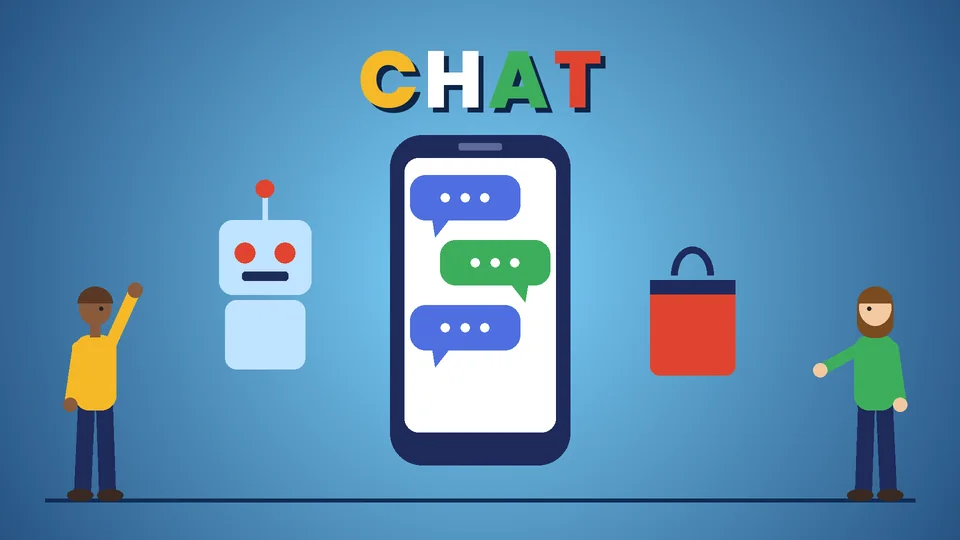
An AI chatbot for ecommerce customer service is software that answers shoppers’ questions in a chat window, using your product catalog, store policies, and order data to reply in natural language. Done well, it handles routine questions such as order status, shipping times, sizing, and returns at any hour, and passes anything complex or sensitive to a person.
The earlier version of this post described chatbots as a transformation without explaining how to set one up, what it should and should not answer, or what US rules apply. This refresh covers those practical points: what to automate first, how Shopify Inbox’s AI features work, how to design the handoff to your team, which disclosures and claims to watch, and how to measure whether the bot is helping. Shopify details come from the Shopify Help Center, and the regulatory points from the FTC and California’s bot disclosure law, all checked as of October 2026. PROSeCommerce, part of PROS Global in San Diego, builds and supports Shopify stores for US brands, and we treat chat the same way we treat any store feature: it has to make buying easier, not just look modern.
Where AI chat helps and where it does not
Customer service questions in a typical online store fall into a few groups. Some are a natural fit for automation, and some are not.
| Question type | Good fit for an AI chatbot? | Why |
|---|---|---|
| Where is my order? | Yes | The answer comes from order and tracking data |
| Shipping times and costs | Yes | Stable, policy-based answers |
| Returns and exchanges policy | Yes, with a link to the policy | Policy text is the source of truth |
| Product details, sizing, materials | Yes, if product data is complete | Only as good as your product descriptions |
| Product recommendations | Often | Works when catalog data and filters are clean |
| Damaged item, refund dispute, complaint | Hand off to a person | Needs judgment and authority to resolve |
| Payment or account security issues | Hand off to a person | Sensitive data and fraud risk |
| Medical, legal, or safety questions about a product | Hand off, or point to official guidance | Wrong answers carry real risk |
The pattern is simple. Automate questions with factual answers that already exist in your store. Route judgment calls to people.
How Shopify Inbox uses AI
For Shopify merchants, Shopify Inbox is the built-in chat tool, and as of October 2026 it includes three AI features that work differently.
The Inbox agent. Shopify’s Inbox agent documentation describes this as an agent that can chat with customers on your online store. It uses your product catalog, store policies, and page content to answer product questions, make recommendations, help with order lookups, and add items to a customer’s cart. You choose an assignment mode: all conversations, only when your staff is unavailable, or never. Never is the default for stores that had Inbox installed before the agent was available, so nothing changes until you turn it on.
AI-generated suggested replies. These are drafts for your staff, not automatic answers. A suggested reply appears in the composer when a customer has asked something you have not yet answered and your store has enough information to respond. Your team reviews, edits, and sends it. Shopify notes that suggested replies are available only in English and require an English-language store and admin, at least one Inbox conversation, and 200,000 products or fewer.
Instant answers. These are question-and-answer pairs shown in the chat window, such as “What is your return policy?” When the Inbox agent is not active, customers can click a question to see your predefined answer, and Shopify can suggest instant answers based on your store policies. You can display up to 100.
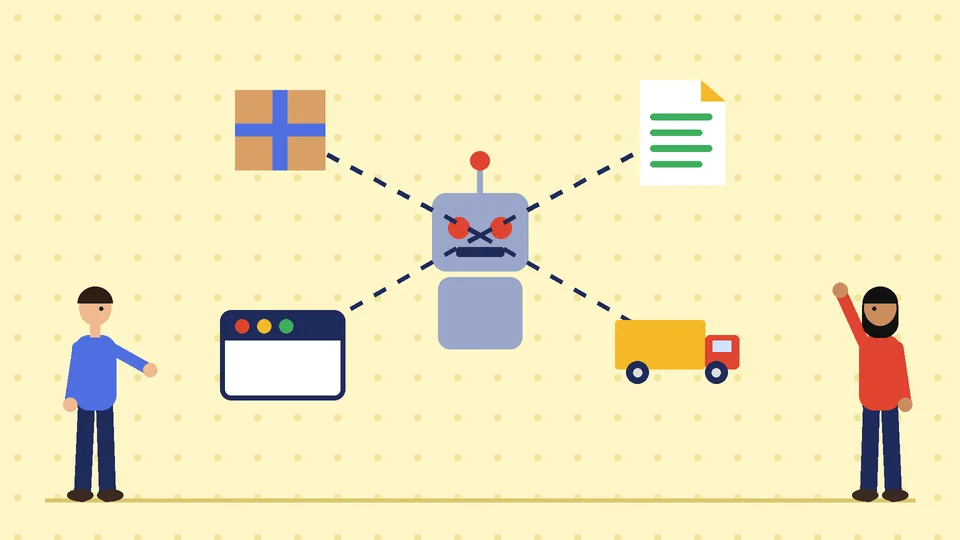
One detail matters more than any setting. Shopify states that to change the facts the Inbox agent uses, you update the source information: product details, store policies, pages, or the Knowledge Base. Editing or rating a reply is feedback for future responses, but it does not change those facts. In other words, the chatbot’s accuracy depends on your store content.
Prepare your store content before you switch on AI
Before you activate any AI chat, audit the content it will read. This step prevents most wrong answers.
- Store policies. Make sure shipping, returns, refunds, and privacy policies are current, specific, and consistent with what your team actually does.
- Product descriptions. Add the details customers ask about: dimensions, materials, care, compatibility, what is included in the box.
- Size guides and FAQs. Put them on pages the chatbot can read, not only in images or PDFs.
- Shipping and processing times. State them plainly and update them before peak seasons.
- Contact options. Tell customers how to reach a person and when your team is available.
If your product pages are thin, start there. Our guide on how to build a high-converting product page on Shopify covers the content that answers buying questions, and those same details are what a chatbot needs.
Design the handoff to a person
Customers accept bots for simple questions. They get frustrated when a bot will not let them reach a human. A good handoff design covers four things.
- Clear triggers. Hand off when a customer asks for a person, mentions a refund dispute, damage, a charge they do not recognize, or repeats the same question.
- Availability hours. Shopify Inbox lets you set availability, and the “only when your staff is unavailable” mode keeps your team on chat during business hours and lets the agent cover nights and weekends.
- Context carried over. The person who picks up should see the whole conversation, so the customer does not have to repeat themselves.
- Honest expectations. If nobody is online, say when someone will reply and how the customer will be contacted.
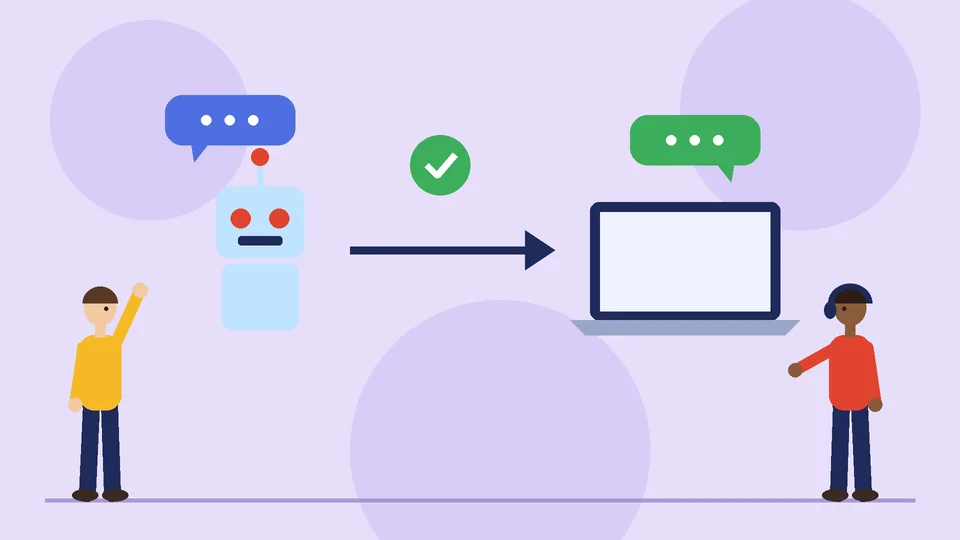
Review completed conversations every week, especially in the first month. Shopify lets you review conversations the agent handled from the Inbox page in the admin. Look for questions it could not answer, answers that were technically correct but unhelpful, and cases where it should have handed off sooner. Then fix the source content, not just the reply.
US rules to keep in mind
AI chat is still subject to ordinary consumer protection rules. As of October 2026, three are worth knowing. This is a practical summary, not legal advice.
Do not overstate what the bot can do. The FTC’s business guidance, including its post “Keep your AI claims in check” (February 2023), warns companies against exaggerating what an AI product does or claiming AI is involved when it is not. If your store says the assistant “knows everything about your order,” make sure it does.
Disclose that it is a bot. California Business and Professions Code section 17941 makes it unlawful to use a bot to communicate with a person in California online with the intent to mislead them about its artificial identity, in order to knowingly deceive them about the content of the communication and encourage a purchase or sale. A business that discloses the bot clearly and conspicuously is not liable under that section. Since many US stores sell to California shoppers, labeling the chat as an automated assistant is the simple approach.
Protect customer data. Do not ask customers to type full card numbers or passwords into chat, and tell your team the same. Payment data belongs in checkout, not in a conversation log. Our ecommerce security guide covers PCI DSS basics and fraud controls.
Choosing between built-in and third-party chat
Shopify Inbox is a reasonable starting point for most Shopify stores because it already reads your catalog, policies, and orders. Third-party support platforms make sense when you need things Inbox does not cover for your business, such as one queue for email, social messages, and phone, or detailed service-level reporting across a large support team.
When you compare options, ask each vendor:
- Which data sources does the bot read, and how quickly does it pick up changes?
- Can you restrict topics and force a handoff on specific keywords?
- What does it do when it does not know the answer?
- Where are conversation logs stored, and who can access them?
- How is pricing calculated: per conversation, per seat, or per resolution?
- Does it connect to your order system, returns tool, and help desk? If it needs custom work, see our Shopify integration guide.
Measuring whether the chatbot helps
Pick a few measures before launch and compare them with the month before.
- Resolution without handoff. The share of conversations the bot closes. High is good only if customers are satisfied.
- Handoff rate and reasons. Rising handoffs on one topic usually point to missing store content.
- Customer ratings of conversations. Use them to find weak answers.
- Support tickets by type. “Where is my order” volume in email should fall if chat handles it well.
- Chat-assisted orders. Useful, but treat it as a signal rather than proof, since some of those shoppers would have bought anyway.
Avoid judging the bot on volume alone. A bot that answers many questions badly creates more work, not less. For the storefront side of the same measurement mindset, see our Shopify conversion rate optimization guide.
Mistakes to avoid
- Launching before fixing store content. The bot repeats what your store says, including outdated policies.
- Hiding the human option. Make “talk to a person” easy to find.
- Letting the bot negotiate refunds or exceptions. Keep those decisions with staff.
- Promising instant answers you cannot deliver. If staff are offline overnight, say so.
- Never reviewing transcripts. Weekly reviews are where most improvements come from.
- Treating reviews of the bot as marketing. If you showcase customer feedback about your support, follow the rules in our guide to using customer reviews and social proof.
Frequently asked questions about AI chatbots for ecommerce
Can an AI chatbot replace my customer service team?
Does Shopify have a built-in AI chatbot?
How do I stop the chatbot from giving wrong answers?
Do I have to tell customers they are talking to a bot?
Can the Inbox agent work only outside business hours?
What should a chatbot never ask customers for?
Next steps
Start small. Clean up your policies and product details, turn on suggested replies so your team sees what the AI would say, then let the Inbox agent cover after-hours conversations and review the transcripts each week. Expand what it handles only when the answers hold up.
If you want help preparing your store content, setting up chat and handoffs, or connecting chat to your order and returns tools, PROSeCommerce can review your Shopify store and build a support setup that answers customers quickly without losing the human touch.