
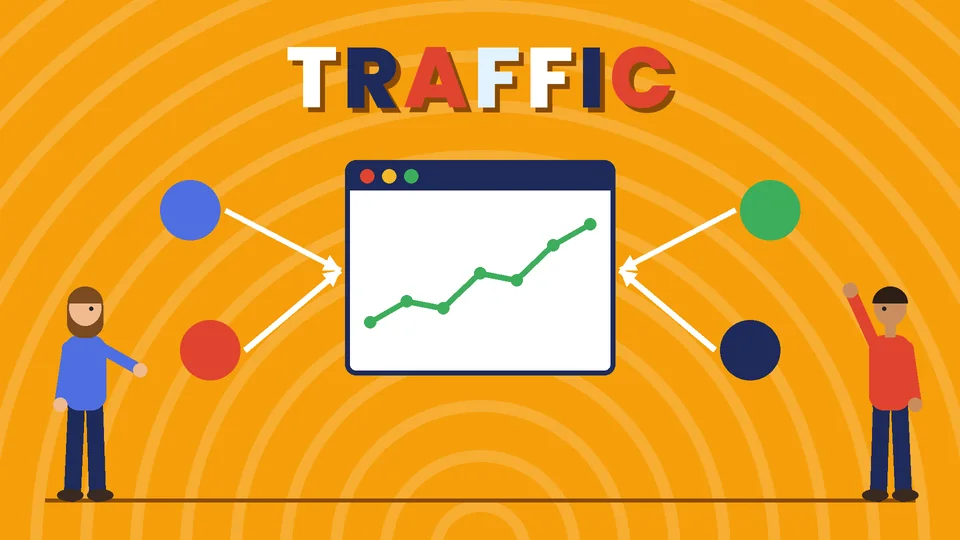
Where more website traffic comes from
The most reliable ways to get more website traffic are to make your site easy for search engines to understand, publish content that answers your customers’ questions, keep your Google Business Profile complete if you serve a local area, email the people who already know you, show up on the social platforms your audience uses and use paid ads and retargeting to fill gaps. The best mix depends on your business, but every method works better when the site itself is fast and useful.
This refresh of our earlier post replaces the old version with six practical methods, the steps for each and a simple way to measure what is working. Guidance on search comes from Google’s own documentation, checked as of October 2026, with sources at the end. PROSeCommerce, part of PROS Global in San Diego, plans and runs search, content and ad programs for online stores and service businesses, and the steps below are the ones we start with.
Before you start: fix the basics
Traffic is only valuable if visitors can use your site and find what they came for. Before chasing more visitors, check four things.
- Your site can be crawled and indexed. Use Google Search Console to see which pages are indexed and whether Google reports problems. Submitting a sitemap helps Google discover your pages.
- Pages load quickly on mobile. Google’s Core Web Vitals measure loading, responsiveness and visual stability on real visits. Slow pages lose visitors before they read anything.
- Every important page has a clear title and description. These appear in search results and influence whether people click.
- Visitors know what to do next. Each page should have one clear next step, such as viewing products, booking a call or subscribing.
Fixing these first means every visitor you attract later is worth more.
1. Improve your search engine optimization
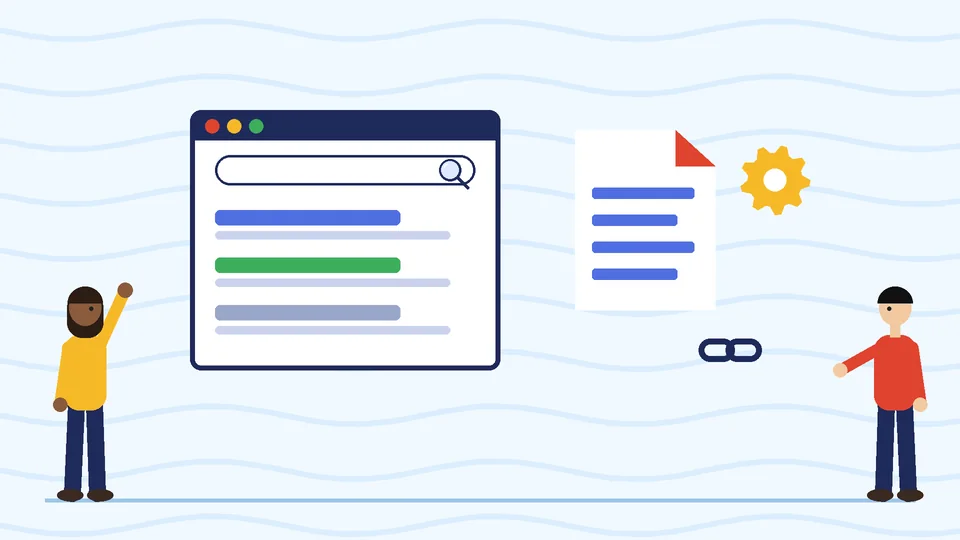
Search engines are the largest source of steady traffic for many businesses, and visitors who arrive from search are already looking for something. Google’s SEO Starter Guide sets out the basics in plain language.
Research what people search for
List the questions and terms customers use when they look for what you sell. Check the suggestions that appear as you type in Google, the “People also ask” questions and your own Search Console queries to see the words people already use to find you.
Match each page to one main topic
Give each important page a clear focus, a descriptive title, a helpful meta description and headings that reflect what the page covers. Avoid creating several pages about the same thing, which makes it harder for any one of them to rank.
Organize the site and link pages together
Group related pages logically and link between them with descriptive link text. Internal links help visitors and search engines discover your pages; our guide to internal linking strategy explains how to plan them.
Stay within Google’s rules
Google’s spam policies warn against tactics such as keyword stuffing, buying or exchanging links to manipulate rankings and publishing large amounts of low-value content. These can cause pages to rank lower or be removed from results. For more, read our top SEO tips for ecommerce websites.
2. Publish helpful content regularly
Content gives search engines more reasons to show your site and gives people a reason to visit, share and return.
Answer real customer questions
Your sales team, support inbox and reviews are full of questions customers ask before buying. Each common question can become an article, guide or video. Google’s guidance on creating helpful content asks whether a page was written for people first, shows first-hand experience and leaves readers satisfied, which is a sound standard for every post.
Choose formats that fit the topic
How-to guides, comparisons, checklists, buying guides and short videos all work. A product comparison might suit a table; a setup process might need step-by-step images.
Update what you already have
Older posts that once ranked well often lose traffic as they go out of date. Refreshing them with current information, better structure and clearer answers is often faster than writing something new, which is exactly what this post is.
Earn mentions on other sites
Writing a genuinely useful guest article for a respected site in your industry, contributing expert comments to journalists or being listed by industry associations can send referral visitors and help people discover you. Do it for the audience, not for links alone, since link schemes are against Google’s policies.
3. Get found in local search
If you serve customers in a particular area, a complete Google Business Profile helps you appear in Google Maps and local results. Google says local results are based mainly on relevance, distance and prominence.
- Use your real business name, address or service area, phone number and hours, and keep them consistent everywhere your business is listed.
- Choose the most accurate primary category and add the services you offer.
- Add photos and keep information current, including holiday hours.
- Ask customers for honest reviews and reply to them.
Google’s guidelines for representing your business also prohibit adding keywords to your business name or listing a location you don’t actually serve customers from. Our guide to local SEO strategies for service businesses covers this in more depth.
4. Use email to bring visitors back
Email is the most direct way to bring people back to your site, because they have already asked to hear from you.
Grow your list
Invite visitors to subscribe with a clear benefit, such as useful guides, early access or a first-order offer. Place the form where people expect it, such as the footer, blog posts and after a purchase.
Send content people want
A regular newsletter with new articles, product news and useful tips sends steady traffic to your site. Segment your list so people receive relevant messages; our post on email segmentation strategies shows how.
Follow the rules
In the US, commercial email must follow the CAN-SPAM Act, which requires honest subject lines, your valid physical postal address and a clear way to opt out, with opt-outs honored within 10 business days.
5. Grow social media and creator traffic
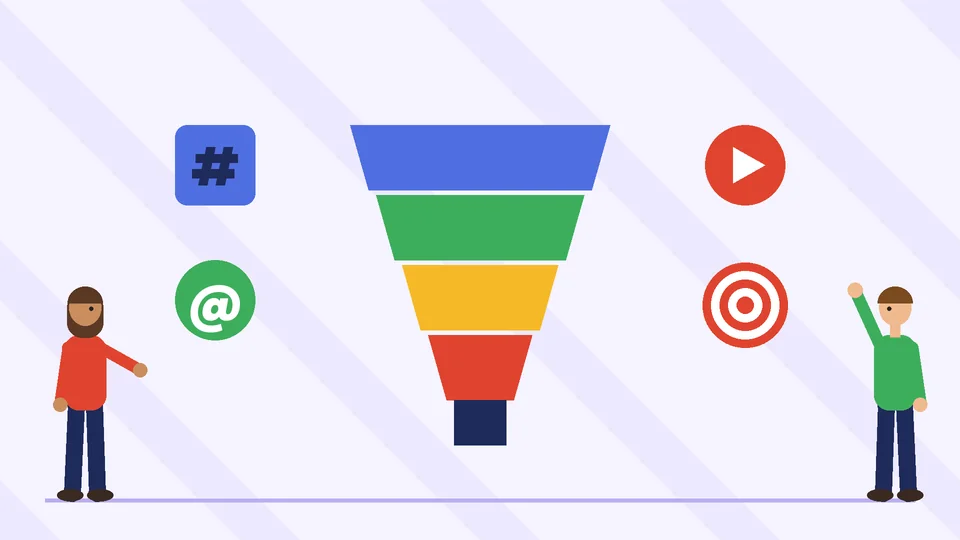
Social media helps people discover your brand and gives your content a way to spread.
Pick the right platforms
Focus on one or two platforms where your customers already spend time, rather than posting everywhere. Visual products suit image and video platforms; professional services often do better on business-focused networks.
Post content that earns clicks
Share useful tips, behind-the-scenes looks and short demonstrations, and link to the full article or product page. Add UTM tags to your links so you can see which posts bring visitors in your analytics.
Work with creators and influencers
Creators whose audience matches your customers can send interested visitors to your site. Under the FTC’s Endorsement Guides, anyone you pay or give free products to must clearly disclose that relationship when they promote you. This is general information, not legal advice; check with a qualified attorney if you are unsure what your partnerships require.
6. Use paid ads and retargeting
Paid ads deliver traffic immediately and let you test which messages and offers work before investing in slower channels.
Search ads
Search ads appear when people search for terms related to your products or services, so the traffic is usually high intent. Start with a small budget on your most specific, profitable terms. Our explainer on how Google Ads works covers bidding and campaign types.
Social ads
Social ads let you reach people by interests, demographics or similarity to your existing customers, which is useful for introducing a new brand or product.
Retargeting
Retargeting shows ads to people who have already visited your site. Because they know you, these visitors are more likely to return and buy. Limit how often ads appear and exclude recent buyers so the ads stay helpful rather than annoying.
Set up conversion tracking before you spend, so you judge ads on sales or leads, not just clicks.
How to measure your website traffic
Measure traffic by source so you know which methods deserve more time and budget.
| Tool | What it shows |
|---|---|
| Google Search Console | Search queries, clicks, impressions, average position and indexing problems |
| Google Analytics 4 | Sessions by channel, engagement and key events such as purchases or leads |
| UTM-tagged links | Which emails, posts and ads sent each visitor |
| Your store or CRM | Which traffic turned into revenue |
Review the numbers monthly. Look for channels that bring visitors who buy or contact you, not just the largest number of visits, and put more effort into those.
A simple 90-day traffic plan
If you are starting from scratch, a focused plan helps.
- Weeks 1 to 2: set up Search Console and analytics, submit a sitemap, fix slow pages and check titles and descriptions on your top pages.
- Weeks 3 to 6: update your five best older posts and publish two new articles that answer common customer questions. Complete your Google Business Profile if you serve a local area.
- Weeks 7 to 10: add an email signup offer, send a newsletter featuring your new content and share it on your main social platform.
- Weeks 11 to 13: run a small search ad test on your most profitable terms, review results by channel and plan the next quarter.
Frequently asked questions
What is the fastest way to get more website traffic?
How long does SEO take to increase traffic?
Does blogging still bring website traffic?
Is buying backlinks a good way to grow traffic?
How do I get more local website traffic?
How do I know which traffic source is working best?
Turn more visitors into customers
More traffic is only half the job; the other half is turning those visitors into buyers. Once visitors arrive, use our guide on how to increase ecommerce sales to convert them, and our overview of what a digital marketing strategy is to tie every channel to a goal. If you would like help growing traffic to your store, contact PROSeCommerce.