
Shopify Plus for small businesses: an honest framing
Shopify Plus is Shopify’s highest plan, built for high-volume and complex commerce. It is not a “small business default.” Many growing US brands do well for years on Advanced or even Grow. Plus becomes useful when you need features those plans do not offer, or when card rates, staff limits, checkout control, B2B depth, or multi-store operations start costing more than the Plus subscription.
As of October 2026, Shopify’s Plus pricing page lists Plus starting at $2,300 USD per month on a three-year term or $2,500 USD per month on a one-year term, with a variable platform fee for more complex or higher-volume setups. That is a large step up from Advanced at $299 per month when billed yearly on Shopify’s pricing page. This guide compares what you actually get, when Plus helps a growing merchant, and when it does not. PROSeCommerce, part of PROS Global in San Diego, helps brands make that call with a clear feature and cost map, not a one-size pitch.
What Shopify Plus adds that lower plans do not
Shopify’s Help Center Plus plan page and public pricing tables highlight capabilities that matter once volume and complexity rise:
| Capability | Why it matters | Rough Advanced vs Plus (as of Oct 2026) |
|---|---|---|
| Platform fee | Predictable vs variable | Advanced $299/mo yearly; Plus from $2,300–$2,500/mo |
| Staff accounts | Team access | Advanced up to 15; Plus unlimited |
| Inventory locations | Multi-warehouse / retail | Advanced 10; Plus up to 200 |
| Checkout customization | Brand and conversion control | Limited on lower plans; full on Plus |
| B2B catalogs | Wholesale alongside DTC | Up to 3 on lower plans; unlimited on Plus |
| Expansion stores | Localized or channel stores | Not in the same way; Plus includes main + 9 |
| API rate limits | Heavy integrations | Higher on Advanced; up to about 10x on select APIs on Plus |
| Card rates (Shopify Payments, US online standard) | Margin at scale | Advanced 2.5% + 30¢; Plus 2.25% + 30¢ |
| Third-party gateway fee | If not using Shopify Payments | Advanced 0.6%; Plus 0.2% |
| Priority support | Incident response | Enhanced chat on Advanced; priority on Plus |
Plus-only or Plus-strong areas also include Shopify Functions for custom commerce logic, broader headless storefront capacity (up to 25 on Plus vs 1 on lower plans per the pricing comparison), Launchpad-style campaign tools, organization/user management for multi-store setups, and POS Pro inclusions (Shopify lists the first 20 POS Pro locations included on Plus, with further retail location waivers when Shopify Payments is primary, per Help Center notes).
Shopify’s marketing on the Plus pricing page cites averages such as 99.99% uptime across Shopify worldwide during major sales events and load-tested checkout capacity. Treat those as Shopify’s published performance claims for the platform, not as a personal SLA that replaces your own peak-traffic testing.
When Plus helps a growing US merchant
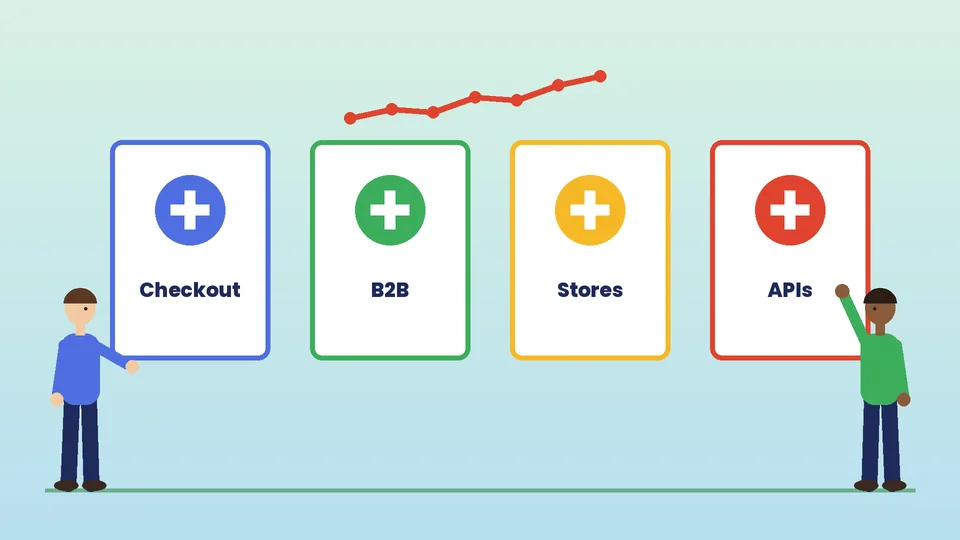
Plus tends to pay for itself in situations like these:
- You need checkout you cannot get on Advanced. Branding, extensions, and custom flows on checkout are a common reason brands move up. If checkout experiments are blocked by plan limits, Plus is often the step that is actually about product capability, not prestige.
- B2B and DTC share one stack. Unlimited B2B catalogs, company locations, and related wholesale payment flows on Plus matter when wholesale is a real channel. Our guide to Shopify Plus for B2B merchants covers the wholesale side in more depth.
- You run multiple storefronts for markets or brands under one organization. Expansion stores (main store plus nine included, with extra stores at an additional monthly fee Shopify lists as $300 USD per store or a revenue share) support international or regional setups. See Shopify Plus for international retailers.
- Integrations hit API ceilings. ERP, 3PL, and custom apps that hammer Admin APIs benefit from higher Plus limits.
- Card volume makes rate gaps material. A quarter-point (or similar) improvement on Shopify Payments rates can matter at high monthly card volume. Run your own math with current rates from Shopify’s pricing page for your country; do not assume the marketing examples match your mix of cards and wallets.
- Retail scale. Large POS footprints and omnichannel inventory across many locations are easier to justify on Plus when you already operate stores, not when you have a single pop-up.
Shopify’s upgrade page notes that brands typically consider Plus when online sales reach about $80,000 per month, while stressing that individual needs vary. Use that as a conversation starter with Shopify sales, not as a rule that every store under that number must stay off Plus or every store over it must upgrade.
When Advanced or Shopify is enough
Plenty of “small businesses” that are actually healthy mid-market brands should stay on Advanced:
- One primary storefront, straightforward theme customization, and under 15 staff seats.
- B2B that fits within a few catalogs, or wholesale handled outside Shopify.
- Apps and themes covering automation needs without custom checkout.
- Monthly revenue where the Plus fee would dwarf the savings from lower card rates.
- A team that would not use Functions, headless, or expansion stores in the next year.
Grow or Basic can still be right earlier on. Our overview of Shopify plans and the deeper Shopify Advanced vs Plus comparison walk through the ladder. If you are still deciding whether Shopify itself fits, start with is Shopify right for your business.
Plus is a poor fit when the motivation is status, a sales deck promise, or copying a competitor’s stack without matching their volume. It is also a poor fit if your real bottleneck is creative, merchandising, or paid acquisition rather than platform limits.
Cost reality: subscription, payments, and people
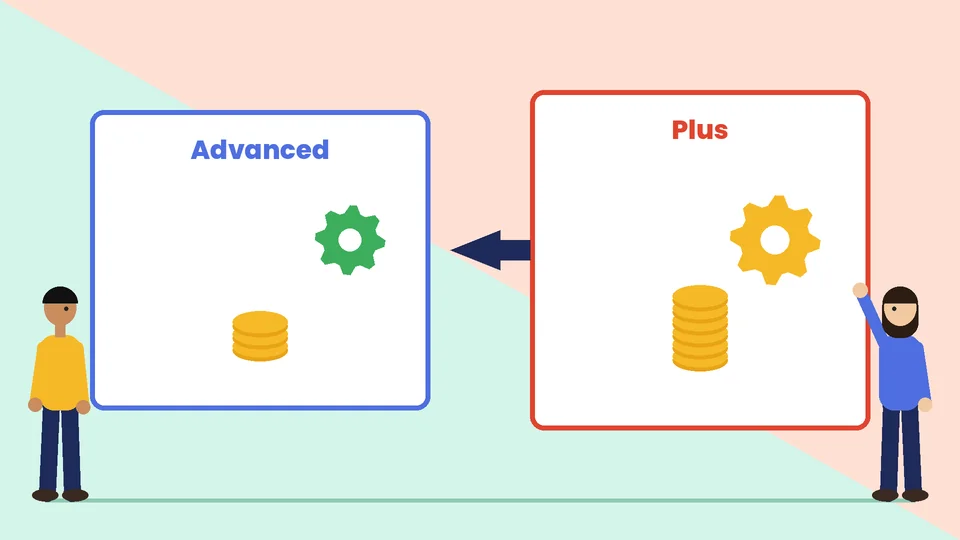
Budget Plus as more than the headline subscription:
- Platform fee. $2,300–$2,500 USD per month for standard setups as of October 2026, or a variable fee Shopify quotes for complex structures.
- Payment fees. Compare Shopify Payments rates and third-party transaction fees on your current plan versus Plus using Shopify’s published tables for the US.
- Apps you can drop. Some automation and checkout apps become unnecessary on Plus; others stay. List monthly app spend you could cancel after upgrade.
- Build and partner cost. Custom Functions, checkout extensions, and migrations often need a Plus-experienced partner. Shopify notes migration itself has no Shopify fee, but paid services and partner work are common.
- Expansion stores and POS. Extra stores and retail locations change the total.
Build a simple spreadsheet: current monthly platform + apps + estimated payment fees versus Plus fee + remaining apps + new payment fees + planned build amortization. If the feature gap is real and the math is close, talk to Shopify sales about term length and whether a variable fee applies. If the math only works by inventing conversion lifts, wait.
For a broader “is the extra cost worth it” discussion, see Shopify Plus: is it worth the extra cost.
Decision checklist before you upgrade
- List the three concrete capabilities you cannot get on Advanced today.
- Confirm each one is Plus-gated on Shopify’s current pricing or Help Center pages (plans change; verify the month you buy).
- Estimate payment-fee savings with last quarter’s card volume.
- Name the owner who will use checkout extensibility, B2B, or multi-store tools weekly.
- Price the implementation work and a 90-day stabilization window.
- Ask Shopify for a written summary of fees, term, expansion stores, and any variable fee formula.
- Decide go / no-go with finance, not only marketing.
If you cannot name the three capabilities, stay on Advanced and invest in conversion rate, creative, and fulfillment accuracy instead.
Migration and operational notes
Moving from Advanced to Plus is usually smoother than a platform replatform, but it is not a toggle. Plan theme and app compatibility checks, staff permission redesign for unlimited seats, checkout extension scope, and a peak-traffic rehearsal. Keep a rollback path for any custom checkout work. Document which apps will be removed so support does not reinstall them “just in case.”
International and B2B launches often accompany a Plus move. Sequence them: stabilize Plus admin and checkout first, then turn on Markets or B2B catalogs, rather than changing plan, theme, and wholesale rules in one weekend.
How Plus compares to hiring more apps instead
Some teams try to postpone Plus by stacking apps for checkout tweaks, wholesale portals, and automation. That can work for a while. It becomes fragile when three apps touch the same order object, when checkout UX depends on a vendor that ships slowly, or when wholesale needs native company locations and catalogs.
A useful test: if your monthly app spend plus workarounds approaches a meaningful share of the Plus fee, and you still lack a clean checkout or B2B path, model the upgrade. If apps are stable, cheap, and cover the gaps without fighting each other, stay on Advanced. Plus is not required to run a successful brand; it is required when the platform itself is the ceiling.
Frequently asked questions
Is Shopify Plus good for small businesses?
How much does Shopify Plus cost in 2026?
When should a brand upgrade from Advanced to Plus?
Does Shopify Plus include unlimited staff and more locations?
Can I stay on Advanced and still grow?
Are Plus uptime and checkout capacity guarantees for my store?
Bottom line
Shopify Plus is a powerful plan for brands that have outgrown Advanced’s limits. It is an expensive plan for brands that only want a logo on a sales deck. Map the features you will use in the next year, run payment-fee math on real volume, and upgrade when the platform is the constraint.
If you want a second set of eyes on Advanced versus Plus for your stack, PROSeCommerce can review your feature gaps, integration load, and implementation scope before you sign a Plus term.